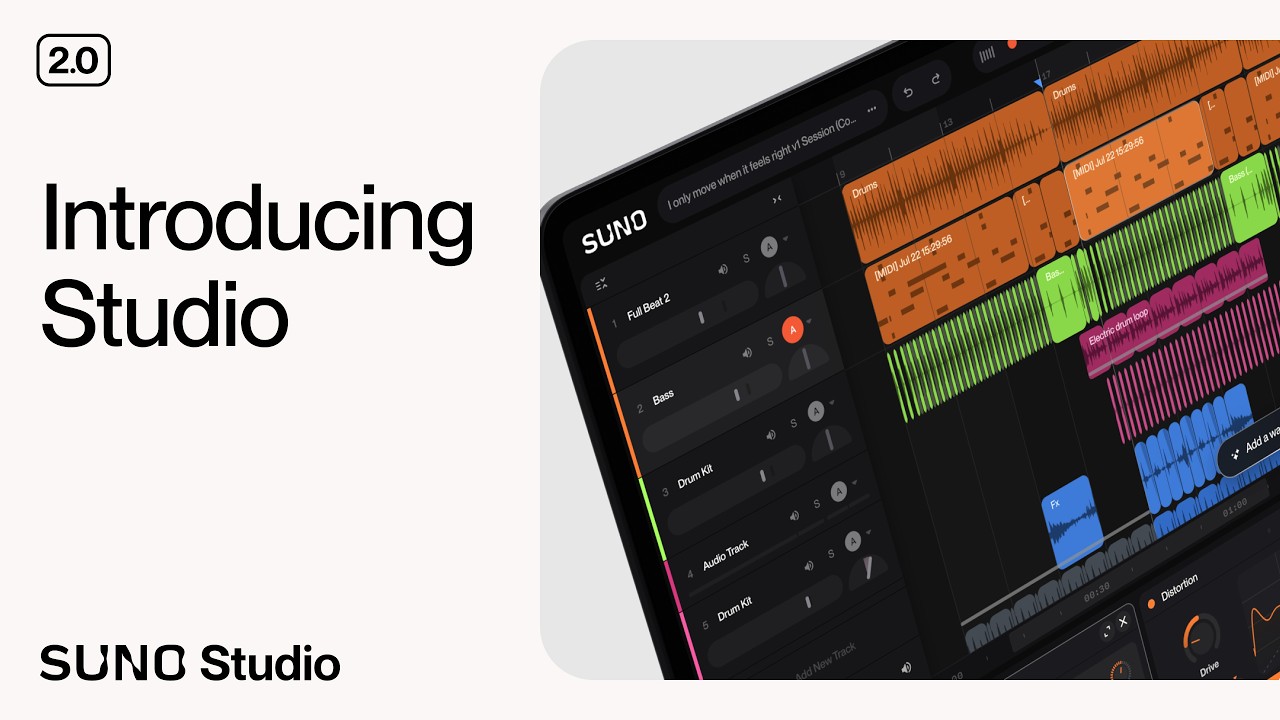
Start creating in Suno Studio here: https://suno.com?utm_source=Social&utm_medium=YTSF Welcome back to Studio Fundamentals. Have you ever listened to a track and thought, "this needs a trumpet solo," or "I wish this had live drums"? In this video, we dive into one of Suno Studio's most powerful creative features: adding entirely new instrumental stems to an existing project.
Learn how to select any blank space on your timeline and generate a new part. From a single instrument to a full song section that plays in context with the rest of your track.
In this tutorial, you will learn:
How to set up your project to create space for a new instrument.
How to use the prompt-based stem generator to add a new part.
Practical examples, including how to prompt for a sparse trumpet solo and live brushed drums.
Quick tips for adjusting the timing and placement of your newly generated stems.
Video Chapters: 0:00 - Intro: Adding a Brand New Stem 0:12 - Setting Up Your Project 1:05 - Creating Space for a New Instrument 1:32 - How to Use the "Add Stem" Prompt Menu 2:29 - Example 1: Generating a Trumpet Solo 3:04 - Example 2: Adding Live Drums to the Mix 4:27 - Final Thoughts & Outro
We can't wait to hear what you create with this. If you have any questions, leave them in the comments below, and we'll be sure to take a look. Thanks for watching!
#Suno #MusicProduction #AIMusic #StudioTutorial