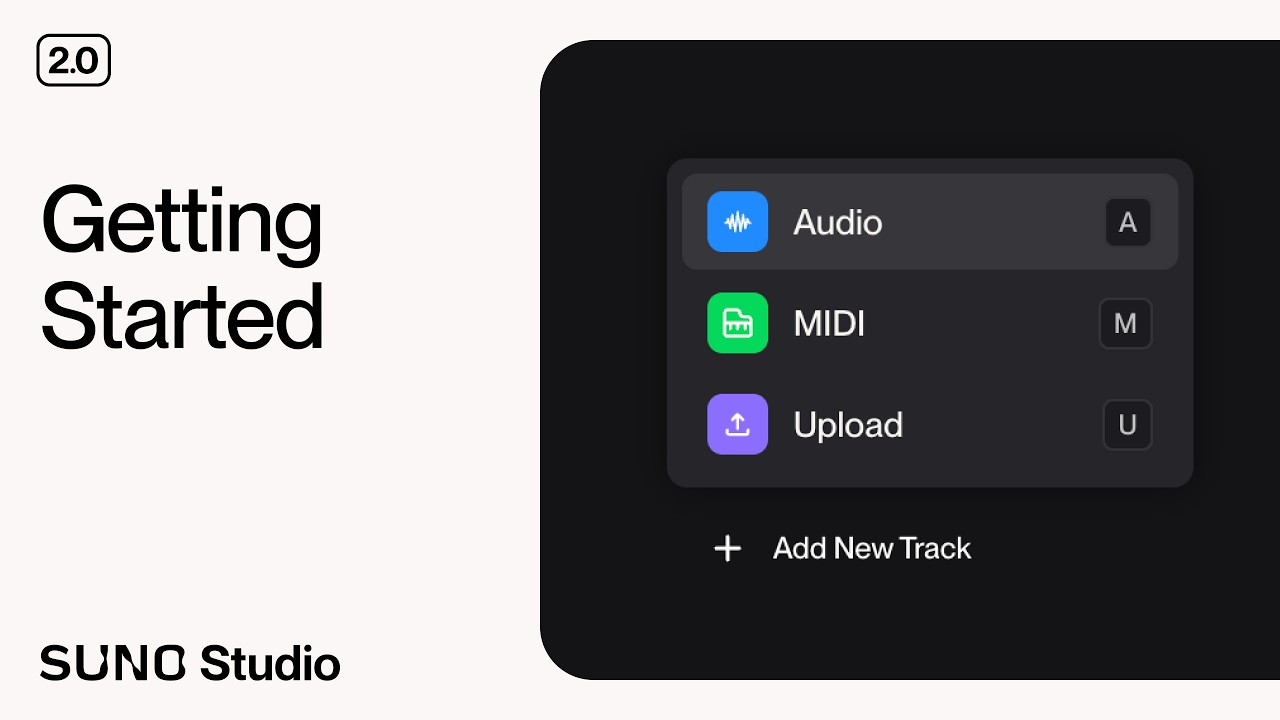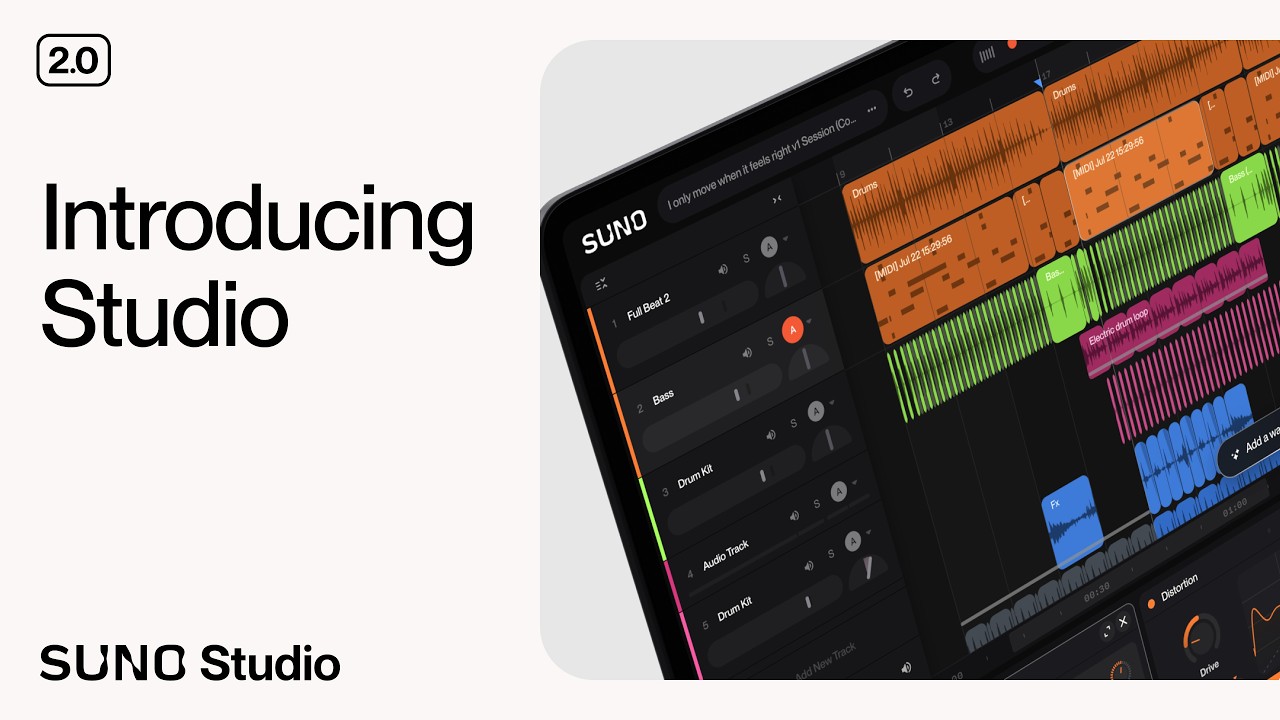
Learn how to take full control of your songs using the brand-new MIDI features in Suno Studio 2.0. Join Audriix as she demonstrates how to record with keyboards, convert audio to MIDI, and use Studio Chat to generate unique instrumental parts.
Watch the full Studio 2.0 series here: https://www.youtube.com/playlist?list=PLcGl48v5p95s
Timestamps: 0:00 - Introduction to MIDI in Studio 2.0 0:22 - What is MIDI? 0:49 - Recording with an external MIDI keyboard 1:53 - Using the computer keyboard overlay 2:41 - Recording MIDI into your song 3:40 - Converting MIDI to audio with Studio Chat 4:28 - Converting audio to MIDI 5:36 - Generating new MIDI parts with Studio Chat 6:22 - Editing notes and using scale mode 7:05 - Tightening timing with quantize 7:21 - Using velocity, pitch bend, and modulation 7:49 - Outro
Hosted by Audrey (Audriix)
#SunoStudio #SunoV2 #MusicProduction #MIDI #AI