

Vibe Coding
Describe what you want to build, and an AI coding partner writes the code with you.
Step by step.
-
1. Explain the page like you would to a person
What should the visitor see? Which buttons? Which route? What mood? Which existing page should it match?
-
2. Let Codex read the codebase
Ask it to follow existing patterns: routes, controllers, Blade, Tailwind/CSS, and tests. Start small and local.
-
3. Work in short rounds
First route and view. Then content. Then styling. Then test. Then local build. This keeps the work manageable.
-
4. Use Claude as a thinking partner
Ask Claude to review structure, UX, and wording. Ask Codex to make the concrete code changes and run tests.
-
5. Test locally before publishing
Run focused PHPUnit tests, build assets, open localhost, and check text, mobile layout, links, and errors.
Add a local Laravel page for beginners. Follow the existing Blade and CSS patterns, create a named route, add navigation, write a feature test, and run only the relevant tests.
This is what it can look like.
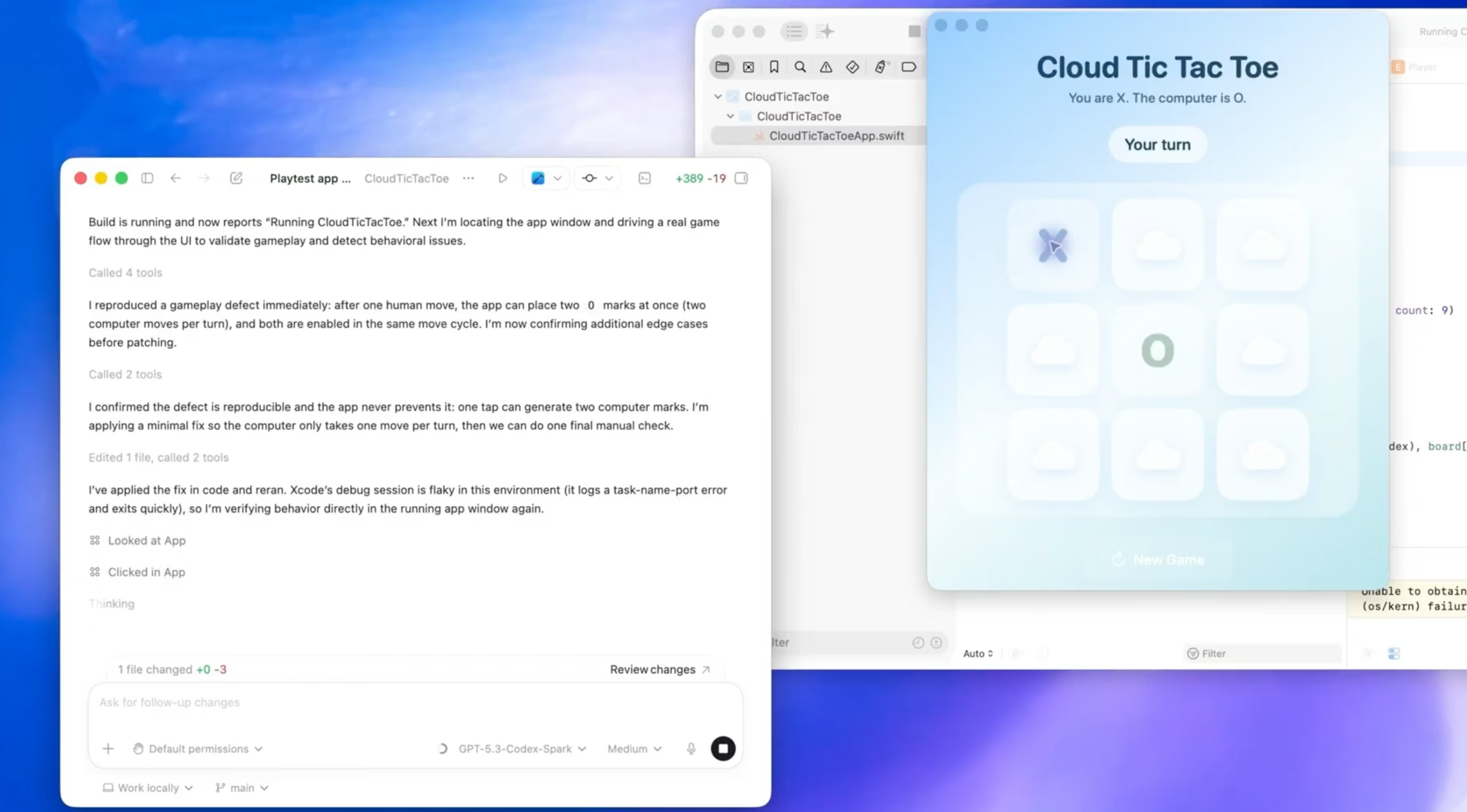
A clean presentation of this public frontend: route, Blade, CSS, navigation, responsive sections, and local tests were shaped together with Codex.