

Make images
Turn a description into a striking visual — for covers, campaigns, or pure exploration.
Step by step.
-
1. Define the purpose
Is it a cover, product image, hero image, thumbnail, or campaign visual? The purpose decides format, detail level, and style.
-
2. Build the image prompt
Use subject, action, environment, composition, light, lens, style, color, texture, and what should not appear.
-
3. Ask Claude or ChatGPT to improve it
Ask for three prompt variants: realistic, editorial, and cinematic. Pick one direction instead of mixing everything.
-
4. Generate in Midjourney or ChatGPT Images
Midjourney is strong for atmosphere and style studies. ChatGPT Images is useful when you want a conversational edit loop.
-
5. Finish outside the generator
Add text, logos, exact margins, and export formats in Canva, Figma, or Photoshop. AI image tools are not always reliable with typography.
Create a 16:9 hero image for a beginner guide about AI. Calm workspace, laptop with a friendly AI interface, bright daylight, subtle futuristic details, realistic, no text, no logo.
This is what it can look like.
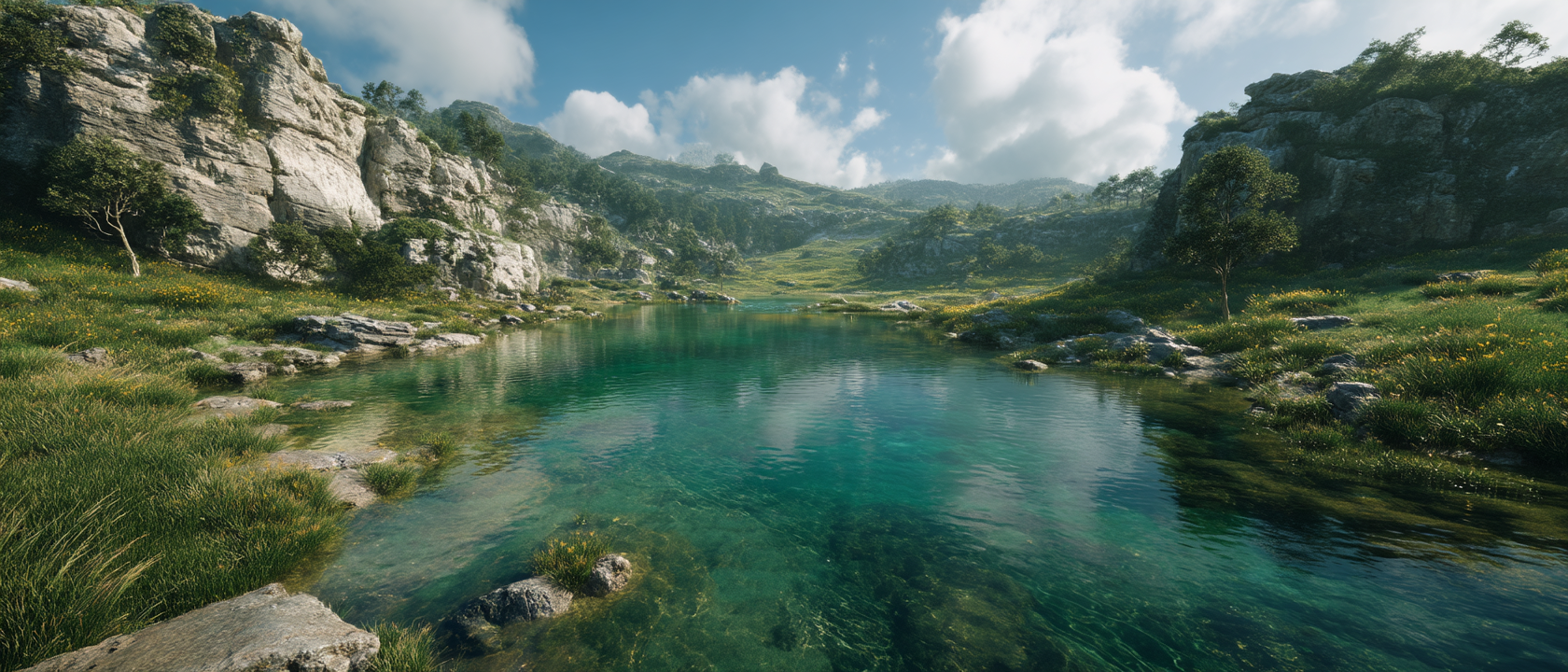
Made with Midjourney A finished visual example: use it to study mood, composition, scale, and the level of detail you can ask Midjourney to explore.