

Midjourney
Highly stylized image concepts, art direction, cover art, moodboards, and visual exploration.
Learn when to use Midjourney, ChatGPT Images, Claude as a prompt helper, and editing tools for the final polish.
A finished visual example: use it to study mood, composition, scale, and the level of detail you can ask Midjourney to explore.
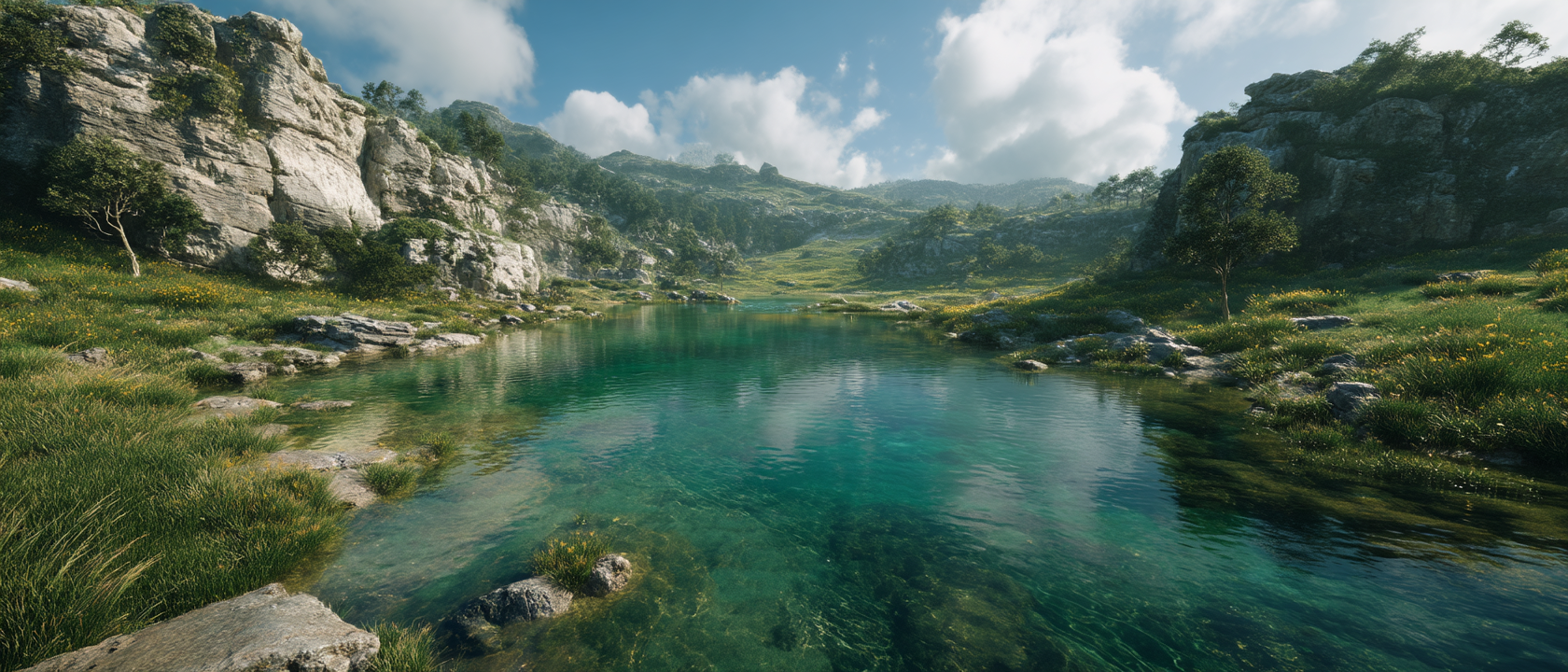 View portfolio source
Highly stylized image concepts, art direction, cover art, moodboards, and visual exploration.
Practical image generation and editing when you want a conversational workflow.
Prompt writing, critique, composition analysis, and visual planning. Claude can help describe the image, not generate the raster image.
Motion, cleanup, object edits, background work, and final production.
Is it a cover, product image, hero image, thumbnail, or campaign visual? The purpose decides format, detail level, and style.
Use subject, action, environment, composition, light, lens, style, color, texture, and what should not appear.
Ask for three prompt variants: realistic, editorial, and cinematic. Pick one direction instead of mixing everything.
Midjourney is strong for atmosphere and style studies. ChatGPT Images is useful when you want a conversational edit loop.
Add text, logos, exact margins, and export formats in Canva, Figma, or Photoshop. AI image tools are not always reliable with typography.
Ask Claude to critique composition, simplify the brief, and turn the idea into three image prompts.
Use Midjourney for dramatic style exploration, album covers, thumbnails, and moodboards.
Use Canva, Figma, or Photoshop for text, cropping, brand rules, and final export.
Create a 16:9 hero image for a beginner guide about AI. Calm workspace, laptop with a friendly AI interface, bright daylight, subtle futuristic details, realistic, no text, no logo.
These Aivion Studios portfolio pieces are useful as reference points for mood, layout, cover direction, or web presentation. Each card links back to the portfolio source.
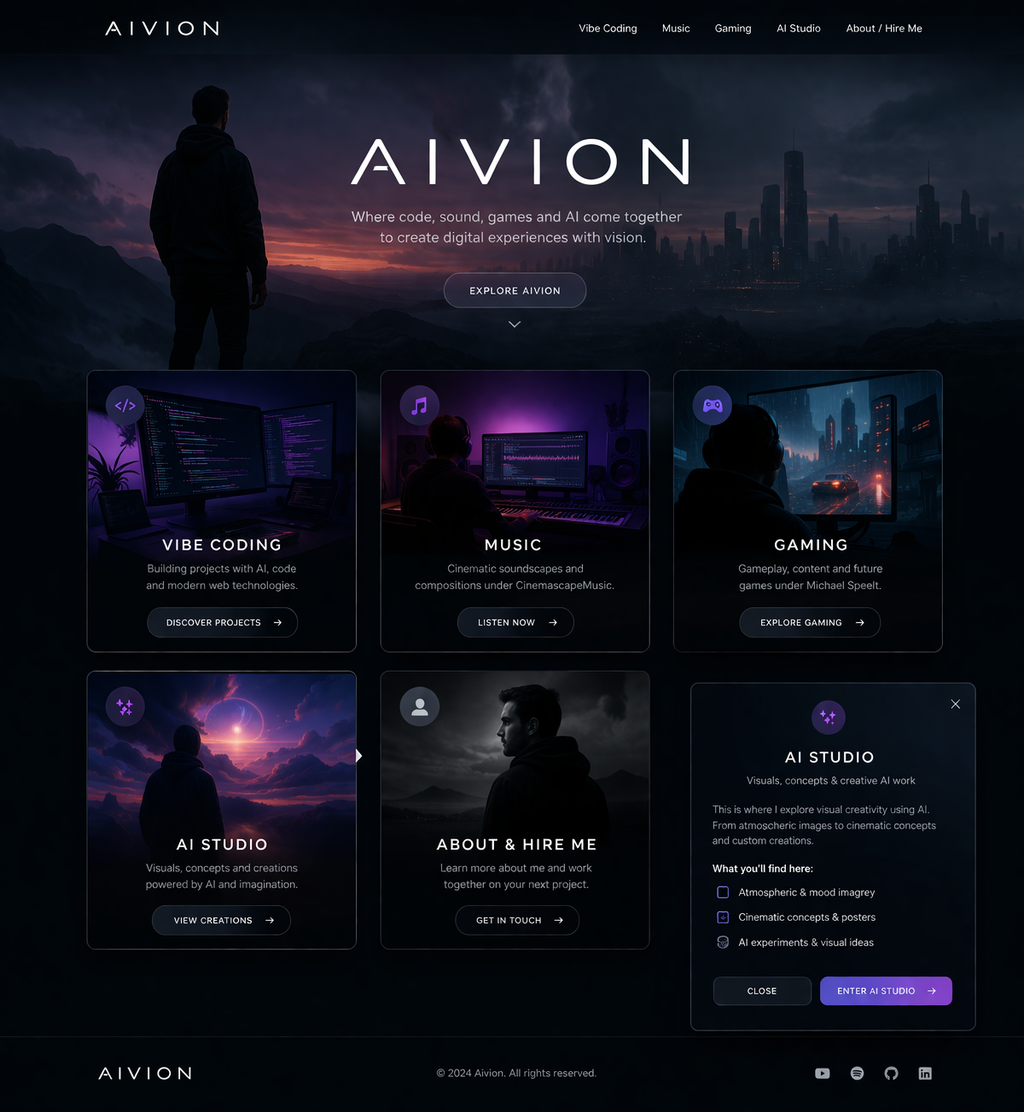 Website concept reference
Concept Site
Website concept reference
Concept Site
Use as a reference for landing-page composition, polished visual direction, and vibe-coding output.
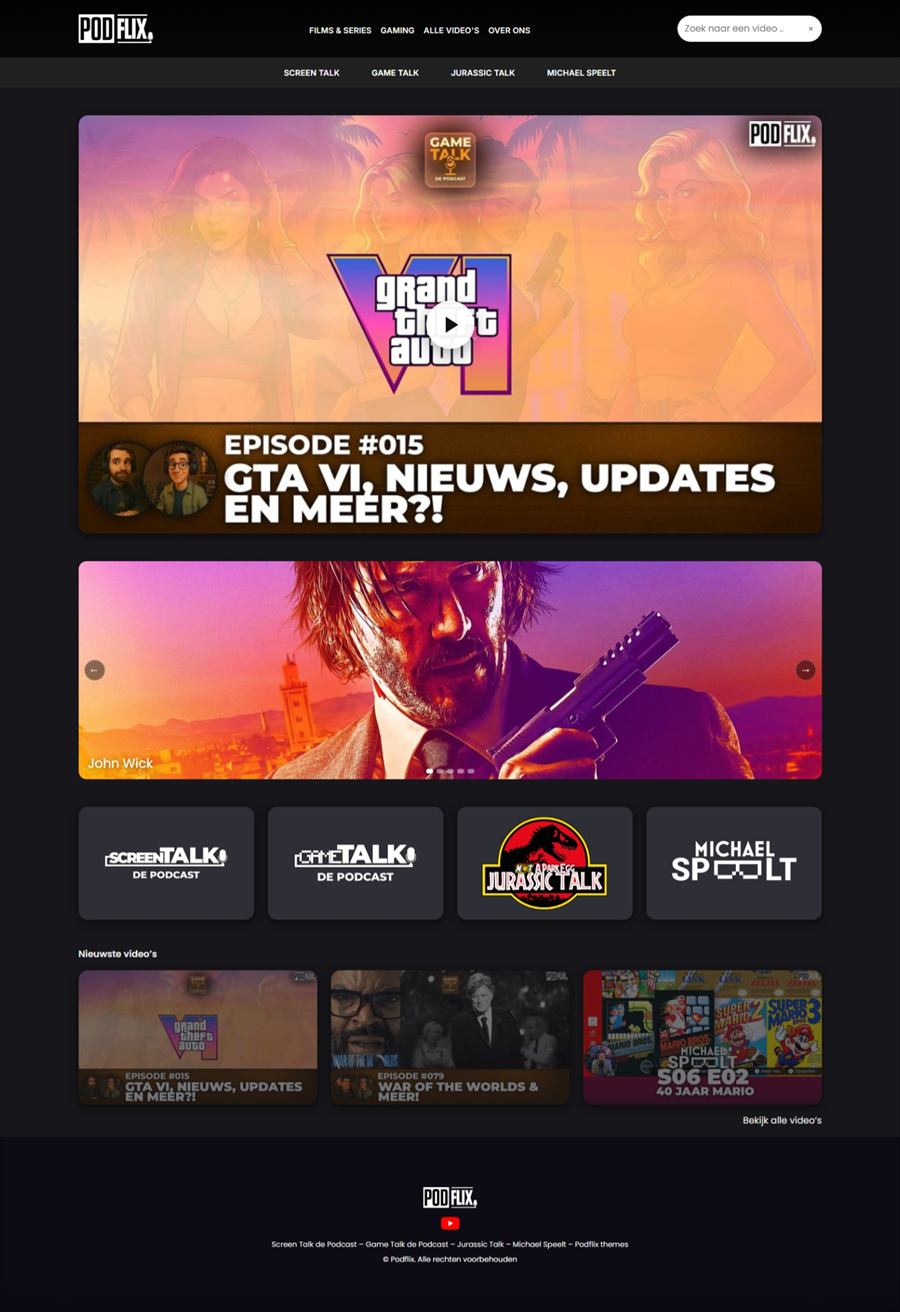 Product interface reference
Podflix Site
Product interface reference
Podflix Site
Useful for explaining how an AI-built product can move from idea to interface.
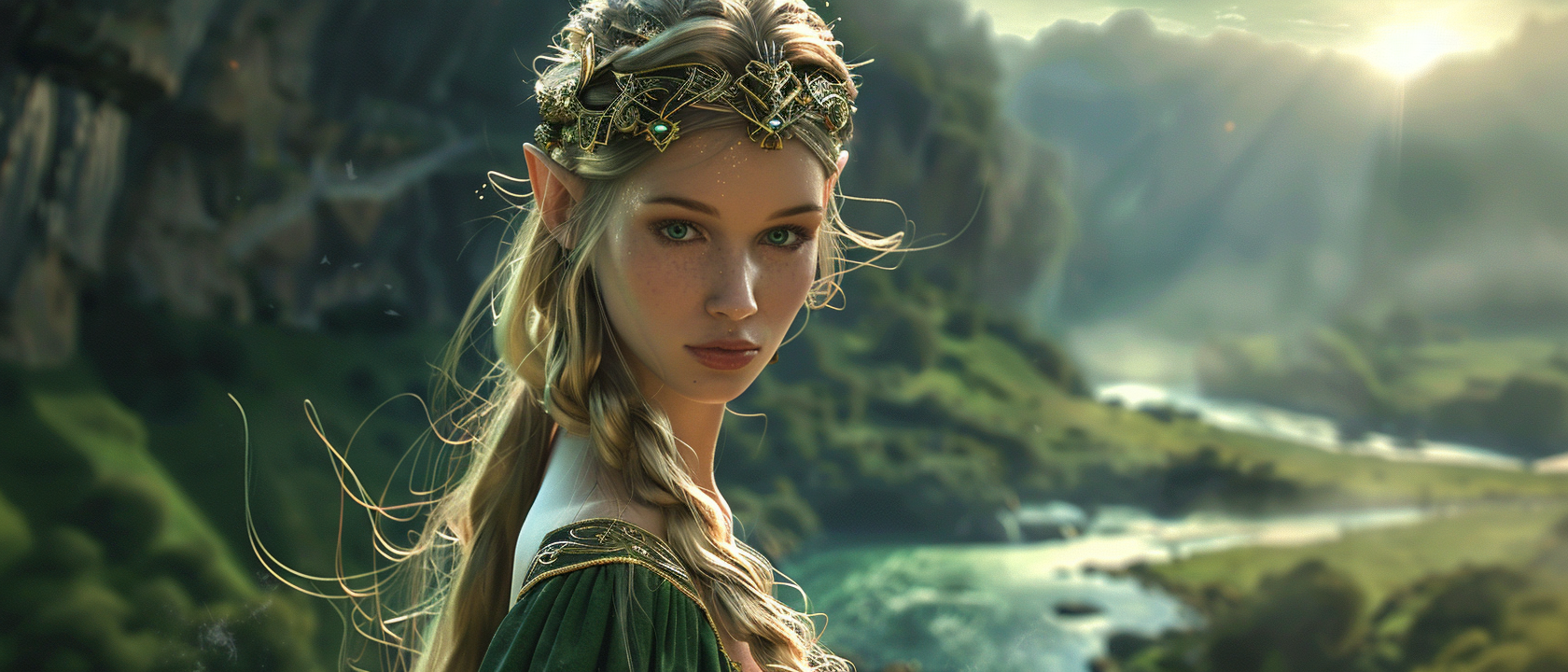 Midjourney-style visual reference
Fantasy 01
Midjourney-style visual reference
Fantasy 01
A strong example for mood, cinematic lighting, and visual world-building prompts.
A simple image: subject + style + format + no text.
A usable campaign visual: audience, composition, colors, lens, light, and negative instructions.
A visual system: variants, fixed art direction, references, edit passes, and export rules.
Gemini komt eraan