

Copilot videos
Browse every published Copilot video in a focused overview with thumbnails, dates, and direct access to each watch page.

Search for answers in Yammer
Type in keywords in the Search bar in Yammer to search for files, conversations, people, or notes in your network. Learn more at the Yammer Help Center: https://support.office.com/yammer
Uploads from Microsoft 365

How to take notes with Microsoft OneNote
With Microsoft OneNote, take notes the way you want. You can type notes, write notes, convert handwritten notes to text, and even record audio notes. Learn more at the OneNote Help Center: https://support.office.com/onenote
Uploads from Microsoft 365
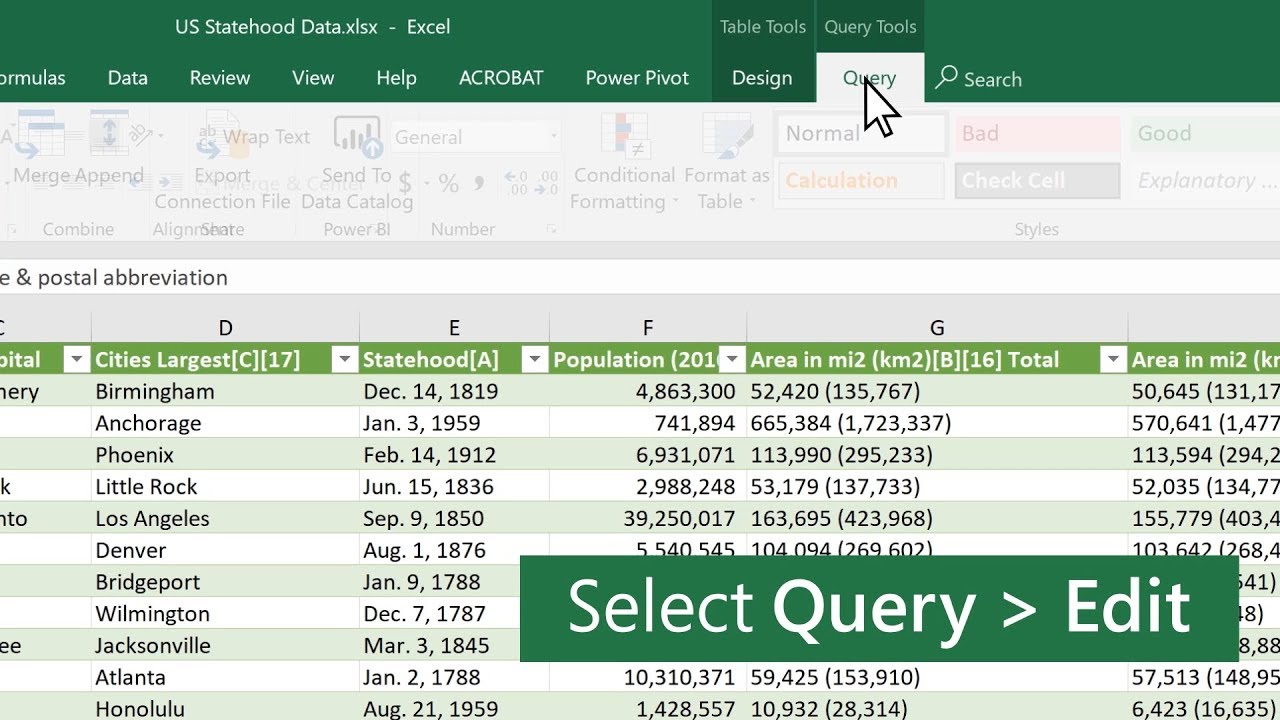
How to add an index column in Microsoft Excel
With Power Query in Microsoft Excel, you can add an Index or Custom (you define the formula) column to your current query. When you create a column formula, Power Query will validate the formula syntax. This validation experience is consist...
Uploads from Microsoft 365
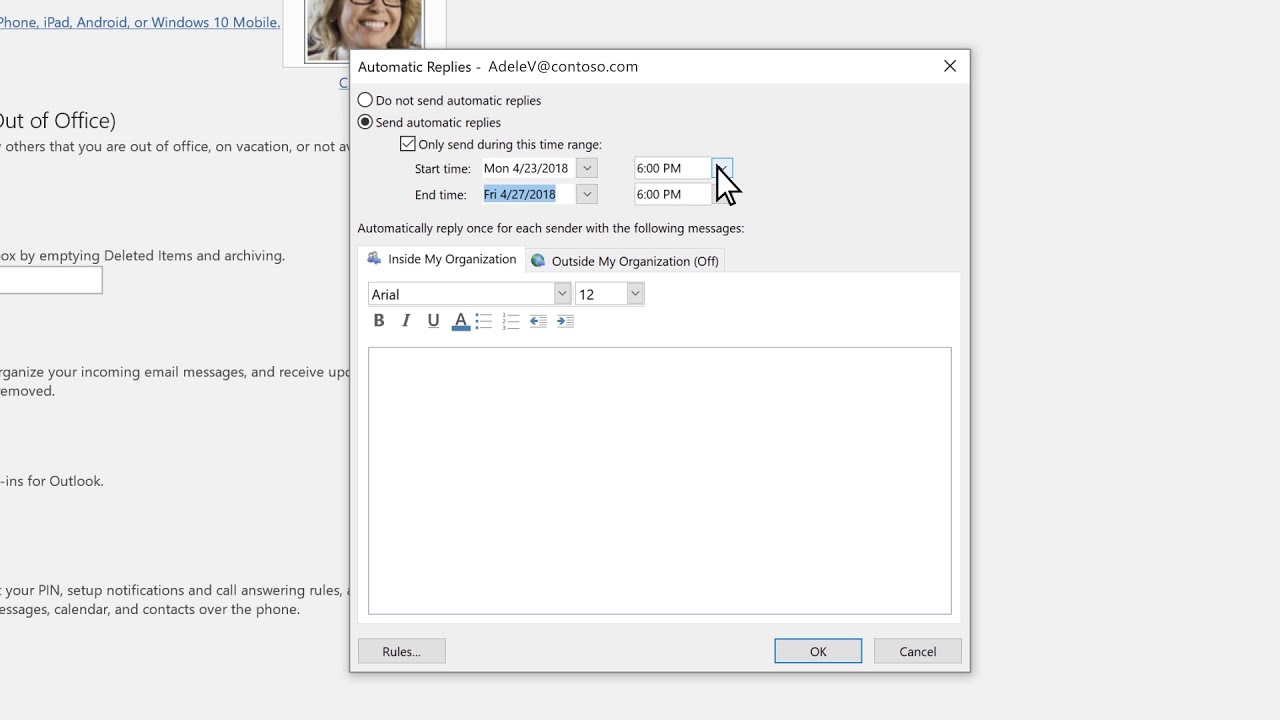
How to set up auto-reply in Microsoft Outlook
Going to be out of town? Set up automatic replies on your Microsoft Outlook email to let people know when you're most likely to reply, and help people connect with others while you're out. Learn more at the Outlook Help Center: https://supp...
Uploads from Microsoft 365
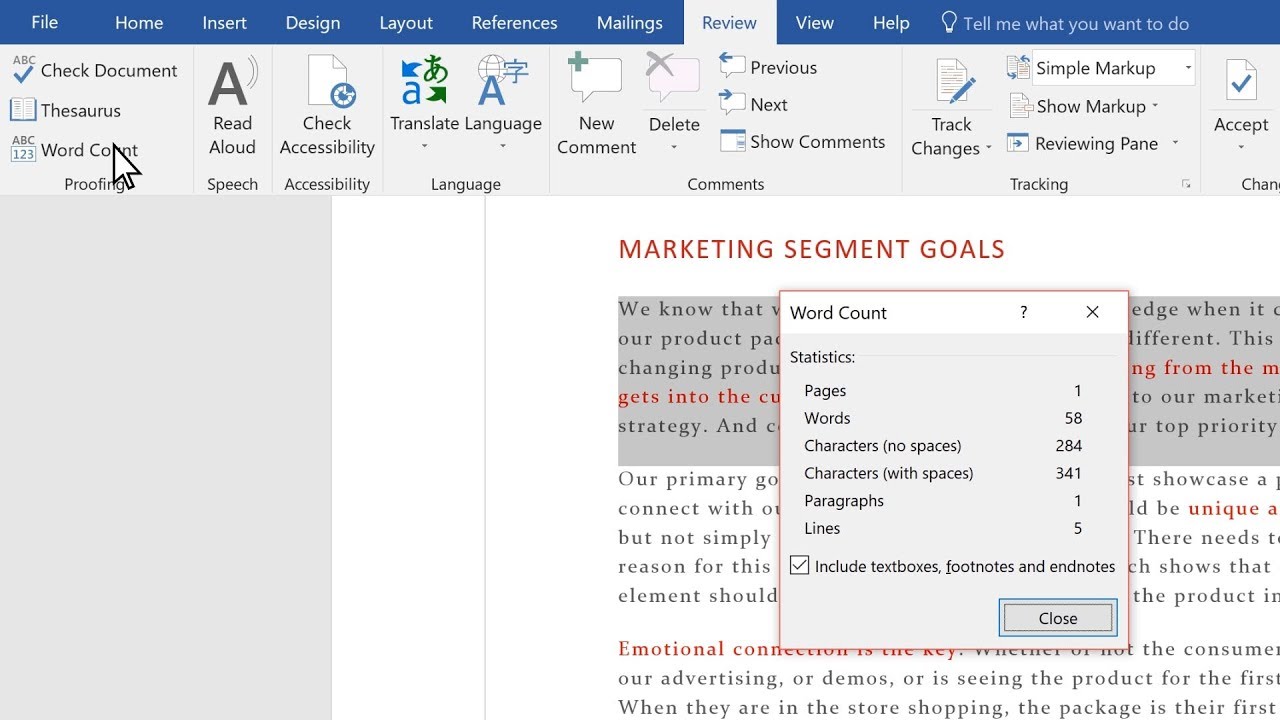
Check your word count in Microsoft Word
Microsoft Word counts the number of words in a document while you type. Word also counts pages, paragraphs, lines, and characters. Learn more at the Word Help Center: https://support.office.com/word
Uploads from Microsoft 365

Co-author a workbook in Microsoft Excel
Upload your Microsoft Excel workbook to OneDrive and share it with others to co-author Excel files in real time. Changes update immediately on any device. Learn more at the Excel Help Center: https://support.office.com/excel
Uploads from Microsoft 365

OneDrive Personal Vault
New from Microsoft OneDrive--Personal Vault is a protected area in OneDrive that can only be accessed with identity verification, such as your fingerprint, face, PIN, or a code sent to you via email or SMS. Personal Vault gives you an added...
Uploads from Microsoft 365
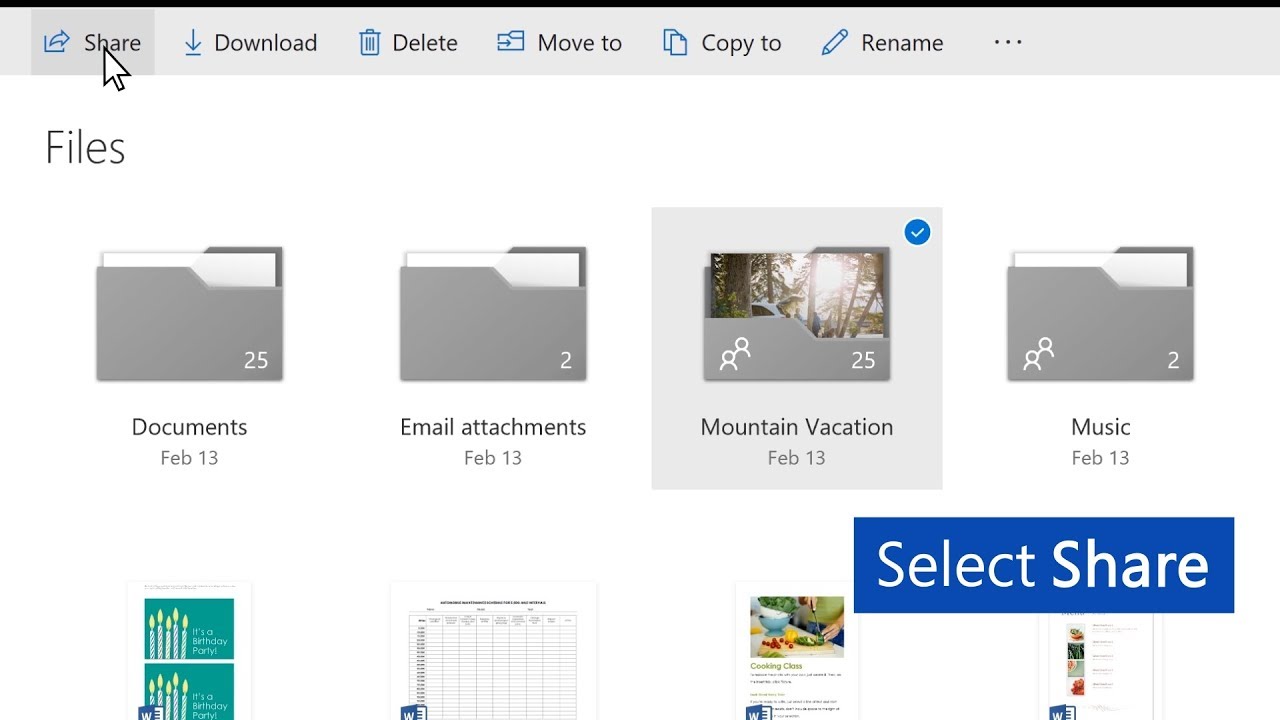
How to share a file and password-protect it in Microsoft OneDrive
In Microsoft OneDrive, you can set a password on a file or folder, and then share it with someone else. Learn more at the OneDrive Help Center: https://support.office.com/onedrive
Uploads from Microsoft 365

What's New with Microsoft 365 | September 2019
From Microsoft To Do to PowerPoint for the web, we’re covering new updates and features designed to help you collaborate effectively, work more efficiently, and protect your data with Microsoft 365. Learn more about what’s new in Septemb...
Uploads from Microsoft 365

Add a contact in Outlook for Mac
Keep track of everyone you communicate with by creating and editing contacts in Outlook. Once you’ve saved someone as a contact, you can type the first few letters of their name into an email, and Outlook will fill in their email address fo...
Uploads from Microsoft 365

Use OneNote on iOS
Use OneNote on iOS so you can connect to and work with your notes no matter where you are. Learn more at the OneNote Help Center: https://support.office.com/onenote
Uploads from Microsoft 365

Insert a check mark in Microsoft Office
You can easily insert a check mark (also known as a "tick mark"), fraction, or other symbol in your Word documents, PowerPoint presentations, and Excel workbooks. Learn more at the Office 365 Training Center: https://office.com/training
Uploads from Microsoft 365
Showing 1609 to 1620 of 2,132 videos.