

Copilot videos
Browse every published Copilot video in a focused overview with thumbnails, dates, and direct access to each watch page.

Switch from Skype for Business to Microsoft Teams
Discover how to transition from Skype for Business to Microsoft Teams efficiently with this video tutorial. This Microsoft Teams migration session will show you how to set your profile to manage alerts and calls in Microsoft Teams, as well...
Uploads from Microsoft 365

Run effective meetings with Microsoft Teams
Make the most of your remote meetings with Microsoft Teams. This tutorial will teach you how to use Teams for your entire meeting experience, from pre-meeting activities to in-meeting experiences to post-meeting follow up. In this training...
Uploads from Microsoft 365

Learn tips for taking Microsoft Teams to the next level - Part 1
Once you have a solid foundation of how to use Microsoft Teams, continue to expand your training with this tutorial. This two-part series will walk you through best practices and tips to take Teams to the next level. Part 1 will focus on...
Uploads from Microsoft 365

Say Hello to Microsoft Teams
What is Microsoft Teams? Microsoft Teams acts as a hub for all your teamwork activities, keeping you connected from wherever you are. This intro to Microsoft Teams will cover the basics of how to use Teams and how it can work for you. Throu...
Uploads from Microsoft 365

Learn tips for taking Microsoft Teams to the next level - Part 2
Continue your Microsoft Teams training with the second portion of a two-part training series. In Part 2 of this tutorial, you’ll learn how to get more from Teams. Focusing on strategies and features, this session will teach you tips and tri...
Uploads from Microsoft 365

Do Not Disturb: Stay focused and disable notifications - Outlook for Android
Sometimes, you just need to focus – which is why Outlook gives you the power to put up a virtual Do Not Disturb sign, disable notifications by account, and snooze notifications during events. With the ability to manage notifications with th...
Uploads from Microsoft 365

Do more with Search in Office
Not sure what command you need to perform a specific task? The "Search" function will help you find it. Learn more at the Office 365 Training Center: https://office.com/training
Uploads from Microsoft 365

Stay secure and private at work with Office 365 and Windows 10
In today's world, you want to make sure your device is secure and your data stays private. With Office 365 and Windows 10, you have easy-to-use controls to keep what's important safe and protected. Learn more at the Office 365 Training Cent...
Uploads from Microsoft 365

Rotate or flip an object in Microsoft PowerPoint
You can rotate or flip objects (and the text inside) on your Microsoft PowerPoint slides, either by precise measurements or eye-balling it. Learn more at the PowerPoint Help Center: https://msft.it/6000Tm368 ► Subscribe to Microsoft 365 o...
Uploads from Microsoft 365

Save a document in Microsoft Word
Save your document to OneDrive so you can get to it from anywhere – at work, at home, or on the go. Learn more at the Microsoft Word Help Center: https://support.office.com/word
Uploads from Microsoft 365

Share your document in Microsoft Word
To share your document in Microsoft Word, in the top right corner, above the ribbon, click Share. Learn more at the Word Help Center: https://support.office.com/word
Uploads from Microsoft 365
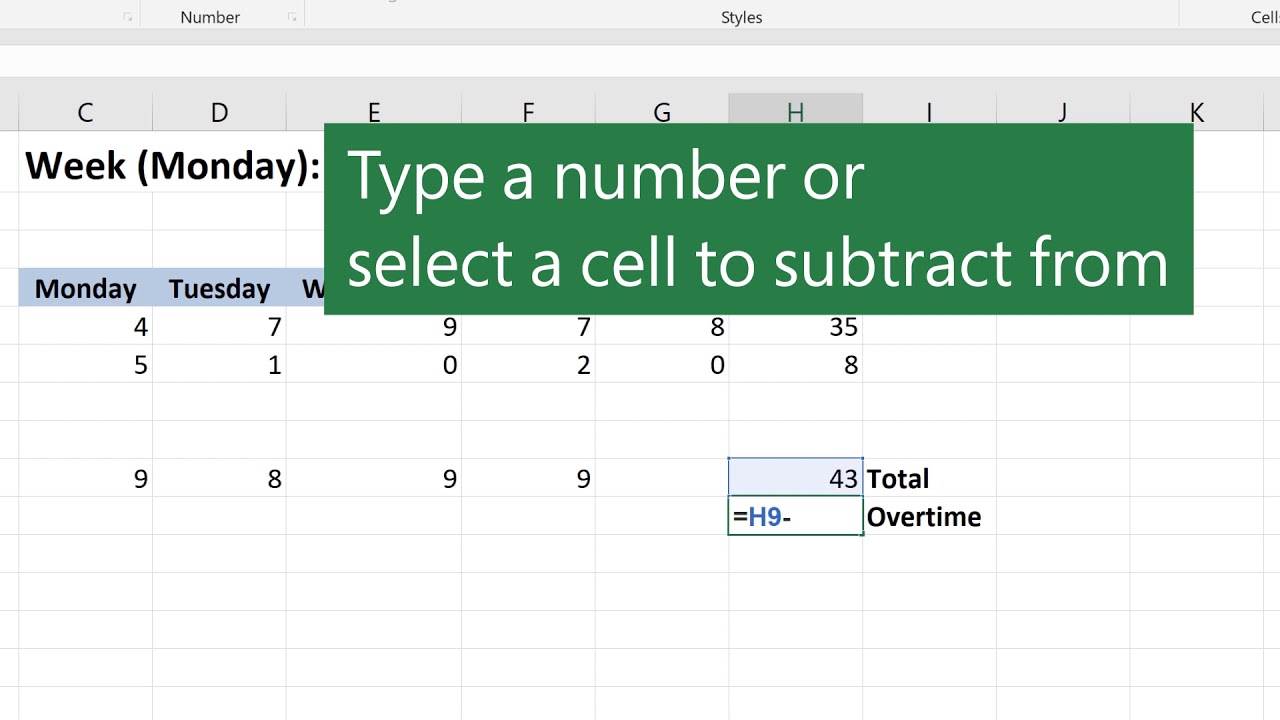
Subtraction in Microsoft Excel
Subtract values in Microsoft Excel using the minus sign (-). You can subtract cells, individual values, or a mix. For example: =A9-A10 =50-30 =H9-20Learn more at the Excel Help Center: https://support.office.com/excel
Uploads from Microsoft 365
Showing 1597 to 1608 of 2,132 videos.