← Back to Midjourney videos ← Terug naar Midjourney-video's
Midjourney VIDEO VIDEO 19 June 2025 19 juni 2025
YouTube

Midjourney can now bring your images to life with our latest model - Video V1 As you know, our focus for the past few years has been images. We believe the inevitable destination...

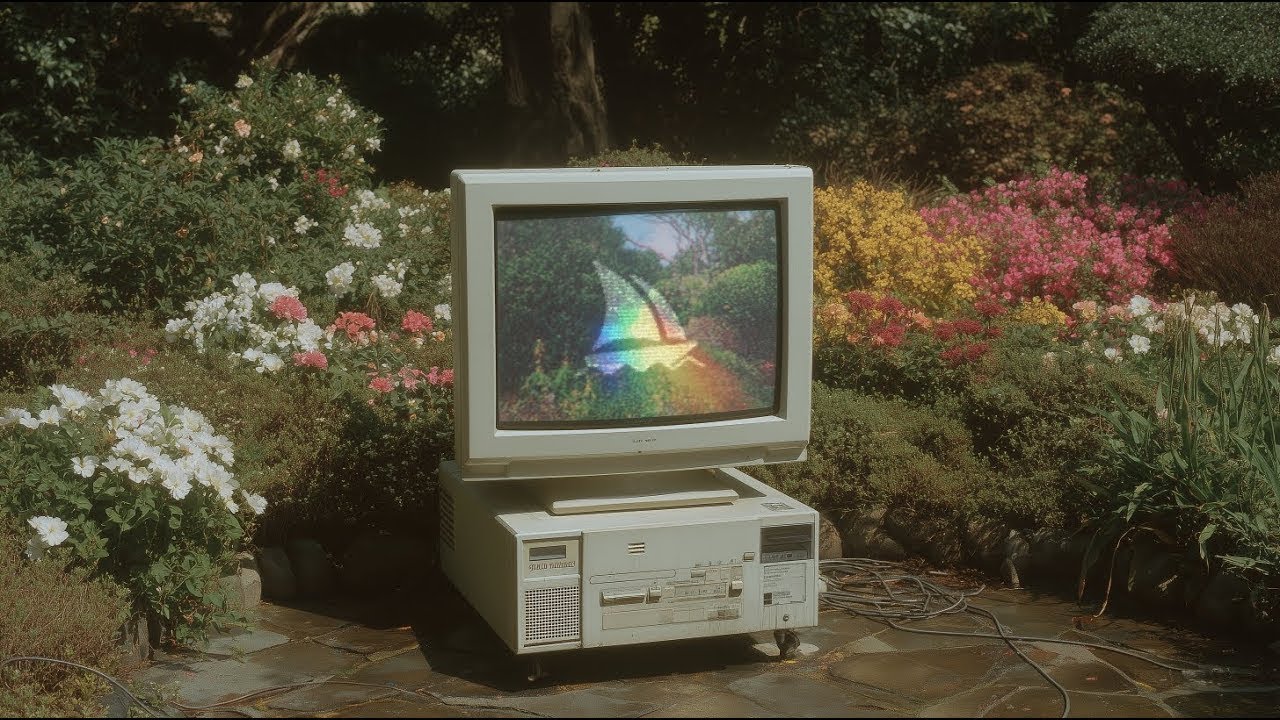
Introducing Midjourney V1 Video Introducing Midjourney V1 Video

Midjourney can now bring your images to life with our latest model - Video V1 As you know, our focus for the past few years has been images. We believe the inevitable destination of this technology are models capable of real-time open-worl... Midjourney can now bring your images to life with our latest model - Video V1 As you know, our focus for the past few years has been images. We believe the inevitable destination of this technology are models capable of real-time open-worl...

Video details Videogegevens
AI maker AI-maker Midjourney Published Gepubliceerd 19 June 2025 19 juni 2025 Channel Kanaal Midjourney Playlist Playlist Uploads from Midjourney Updates Updates Videos Video's Watch on YouTube Bekijk op YouTube

About this video Over deze video

Midjourney can now bring your images to life with our latest model - Video V1

As you know, our focus for the past few years has been images. We believe the inevitable destination of this technology are models capable of real-time open-world simulations.

The next year involves building these pieces individually, releasing them, and then slowly putting it all together into a single unified system. Today, we're giving you the power to make any image move.

Image-to-Video: Create images in Midjourney as usual, then press "Animate" to make them move - it's very fun. There's an "automatic" animation setting which makes up a motion prompt for you and just makes things move. Or choose "manual" animation where you describe exactly how you want things to move and the scene to develop.

Pick "low motion" for ambient scenes where the camera stays mostly still and the subject moves in a slow or deliberate fashion. Choose "high motion" for scenes where you want everything to move, both the subject and camera. Once you have a video you like, you can "extend" them.

Visit https://www.midjourney.com/explore?tab=video_top to get started.

What will you /imagine today?

#midjourney #imagine #generativeart #aiart #ai #video

More videos from Midjourney Meer video's van Midjourney

All videos Alle video's
Midjourney TV 24/7
Midjourney
15 Oct 2025 15 okt. 2025

Midjourney TV 24/7 Midjourney TV 24/7

24/7 stream of the day's top videos created by the Midjourney community. Best enjoyed in 1080p! Also viewable at: https://www.midjourney.tv Create your own videos: https://www.midjourney.com/imagine 🔔 Subscribe to our channel 🔔 Join th... 24/7 stream of the day's top videos created by the Midjourney community. Best enjoyed in 1080p! Also viewable at: https://www.midjourney.tv Create your own videos: https://www.midjourney.com/imagine 🔔 Subscribe to our channel 🔔 Join th...

Open video → Open video →
5 Ways to Use Images in Midjourney
Midjourney
26 Sep 2025 26 sep. 2025

5 Ways to Use Images in Midjourney 5 Ways to Use Images in Midjourney

Use images to make more images and videos: 1. Make videos from images 2. Blend images into prompts 3. Style References to drive specific visuals 4. Curate them into Moodboards 5. Create characters and objects with Omni Reference Learn more... Use images to make more images and videos: 1. Make videos from images 2. Blend images into prompts 3. Style References to drive specific visuals 4. Curate them into Moodboards 5. Create characters and objects with Omni Reference Learn more...

Open video → Open video →
Discover Different Creation Modes
Midjourney
26 Sep 2025 26 sep. 2025

Discover Different Creation Modes Discover Different Creation Modes

Learn how to make images with different modes. What is Draft Mode? Draft Mode is a lightning-fast (10x faster!) way to prototype images at half the GPU cost. It's built for effortless iteration, with the option of using Conversational Mod... Learn how to make images with different modes. What is Draft Mode? Draft Mode is a lightning-fast (10x faster!) way to prototype images at half the GPU cost. It's built for effortless iteration, with the option of using Conversational Mod...

Open video → Open video →
Start Here: Making your First Image
Midjourney
25 Sep 2025 25 sep. 2025

Start Here: Making your First Image Start Here: Making your First Image

Welcome to Midjourney, your portal to transforming text into amazing images and videos! If you're ready to unleash your creativity, this guide is your first step to crafting stunning images and exploring endless possibilities. Learn more a... Welcome to Midjourney, your portal to transforming text into amazing images and videos! If you're ready to unleash your creativity, this guide is your first step to crafting stunning images and exploring endless possibilities. Learn more a...

Open video → Open video →

Gemini komt eraan