

Copilot videos
Browse every published Copilot video in a focused overview with thumbnails, dates, and direct access to each watch page.

How to create a pie chart in Microsoft Access
In a Pie chart in Microsoft Access, categories show as pie slices. Data values are summed as a percentage to a whole shown as the pie circle. Links: Microsoft Access: http://msft.social/wu7FHO Learn more at the Office 365 Training Center:...
Uploads from Microsoft 365

How to convert your ink to text and shapes in PowerPoint
In Microsoft PowerPoint for iPad, you can go from free-form ink to Office shapes or text by choosing Ink to Text or Ink to Shapes. Links: Microsoft PowerPoint: http://msft.social/iwrCyp Learn more at the Office 365 Training Center: https...
Uploads from Microsoft 365

Work smarter with intelligent services in Office 365 and Windows 10
With Office 365 and Windows 10, artificial intelligence helps you create smarter, more beautiful docs with less sweat while saving you time. Links: Office 365: http://msft.social/yvytjO Learn more at the Office 365 Training Center: http:...
Uploads from Microsoft 365
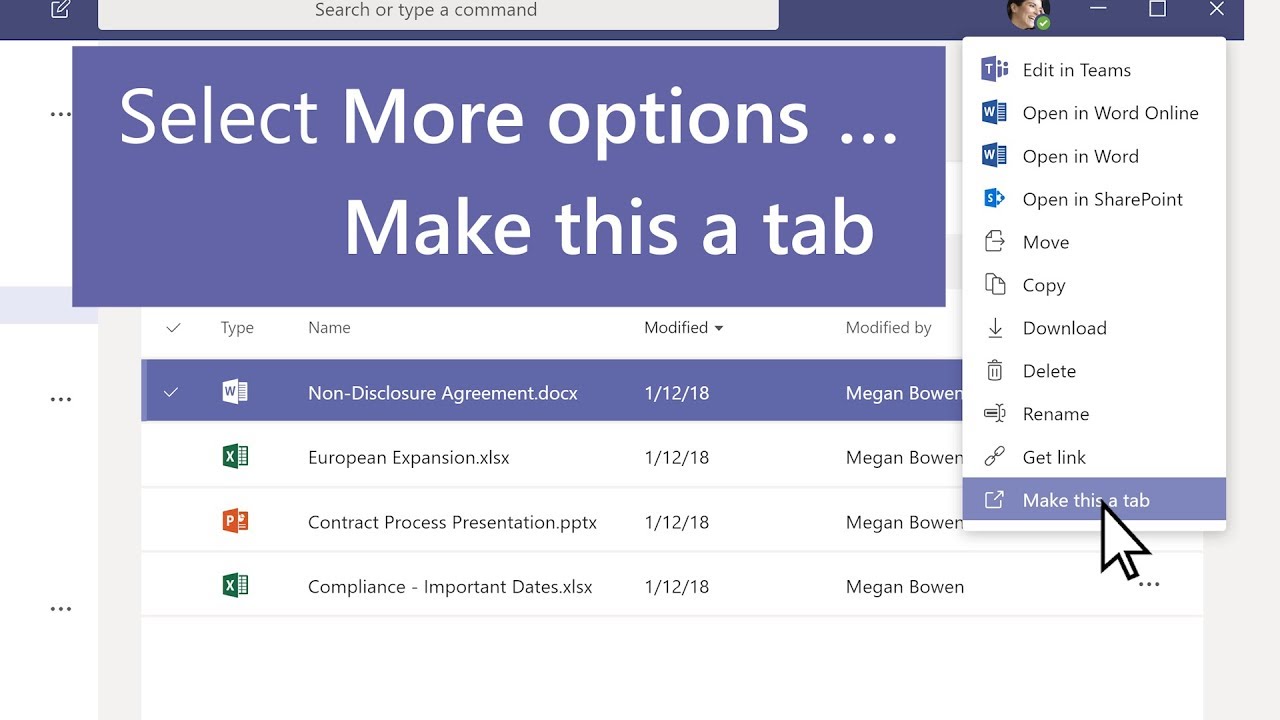
How to turn a file into a tab in Microsoft Teams
This Microsoft Teams tutorial will show you how to turn a file into a Microsoft Teams tab. If everyone in your channel needs quick access to a file, turn it into a tab so it's easy to get to. To do so, choose the file and select “more optio...
Uploads from Microsoft 365

Qantas empowers employees to do their best work with Microsoft 365
To ensure the 30,000 employees at Qantas have the information they need without compromising data security, the airline is using the integrated set of security-enhancing capabilities in Microsoft 365. Learn more about Microsoft 365 Enterp...
Uploads from Microsoft 365

8 steps to ensure compliance before FSIs move to the cloud
As a financial services institution, you need to balance the risks with the benefits of moving to the cloud, especially around compliance. At Microsoft, we help customers understand how they should be thinking about compliance in the cloud....
Uploads from Microsoft 365

How to save a post or message in Microsoft Teams
To save a message or post in Microsoft Teams, select Save message just to the right of the text. To see a list of your saved messages, select your profile picture at the top of the app, then choose Saved. Or type /saved in the command box a...
Uploads from Microsoft 365
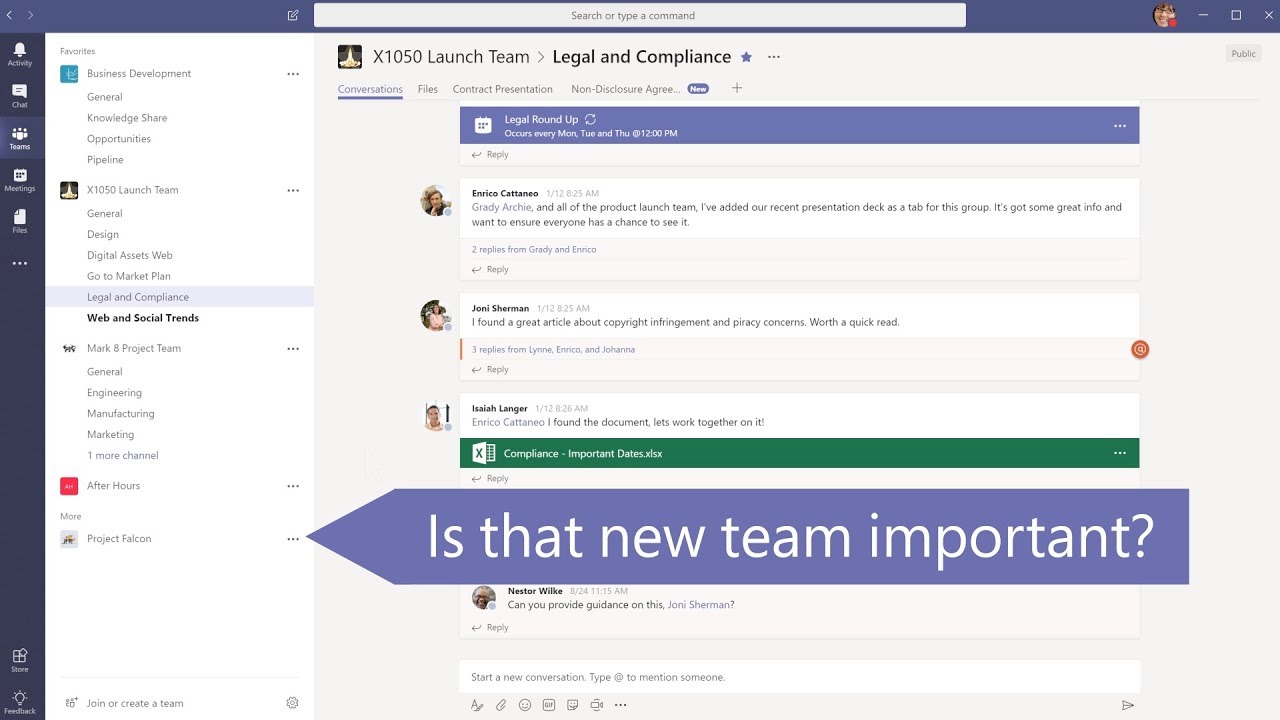
How to organize your teams lists in Microsoft Teams
In Microsoft Teams, select Favorite next to the channel name to favorite a channel. To reorder your teams, select Teams, then click and drag the team name anywhere in your teams list. Learn more at the Office 365 Training Center: http://off...
Uploads from Microsoft 365

How to filter your activity feed in Microsoft Teams
Is there too much info in your Microsoft Teams activity feed? By filtering your activity feed, you can choose what you want to see. This Microsoft Teams tutorial will show you how to filter your activity feed, helping to boost your work fro...
Uploads from Microsoft 365

John’s Crazy Socks shows what people with disabilities can achieve
John Cronin knew he wanted to start a business with his dad after high school but needed a killer idea. Cronin, who is 22 and has Down syndrome, has a passion for colorful outfits and socks that began in fourth grade, and his fashion resolv...
Uploads from Microsoft 365
Office 365 update for October 2018
Jim Naroski covers recent enhancements to Office 365, Microsoft's cloud-based productivity solution for the modern workplace. The course transcript, complete with all links mentioned, is available at https://aka.ms/o365update-blog. This mo...
Uploads from Microsoft 365

Shift to a modern desktop with Microsoft 365
Windows 7 and Office 2010 is coming to its end of support lifecycle. It's time to shift our expectations of what we can do with technology. Explore how updating to a modern Windows 10 device with Microsoft 365 can help your organization a...
Uploads from Microsoft 365
Showing 1813 to 1824 of 2,132 videos.