

Copilot videos
Browse every published Copilot video in a focused overview with thumbnails, dates, and direct access to each watch page.

How to manage Microsoft Teams meetings (2019)
As you’re managing remote employees, learn how to manage Microsoft Teams meetings to keep your team on track. This tutorial walks you through how to view meetings with the Calendar feature, as well as how to schedule meetings for maximum wo...
Uploads from Microsoft 365

Create instant remote work meetings with Microsoft Teams
Stay connected with Microsoft Teams while working from home with the help of “Meet now” feature. With Microsoft Teams “Meet now,” you can turn a team conversation into an instant meeting. There are two ways to start an instant meeting in...
Uploads from Microsoft 365
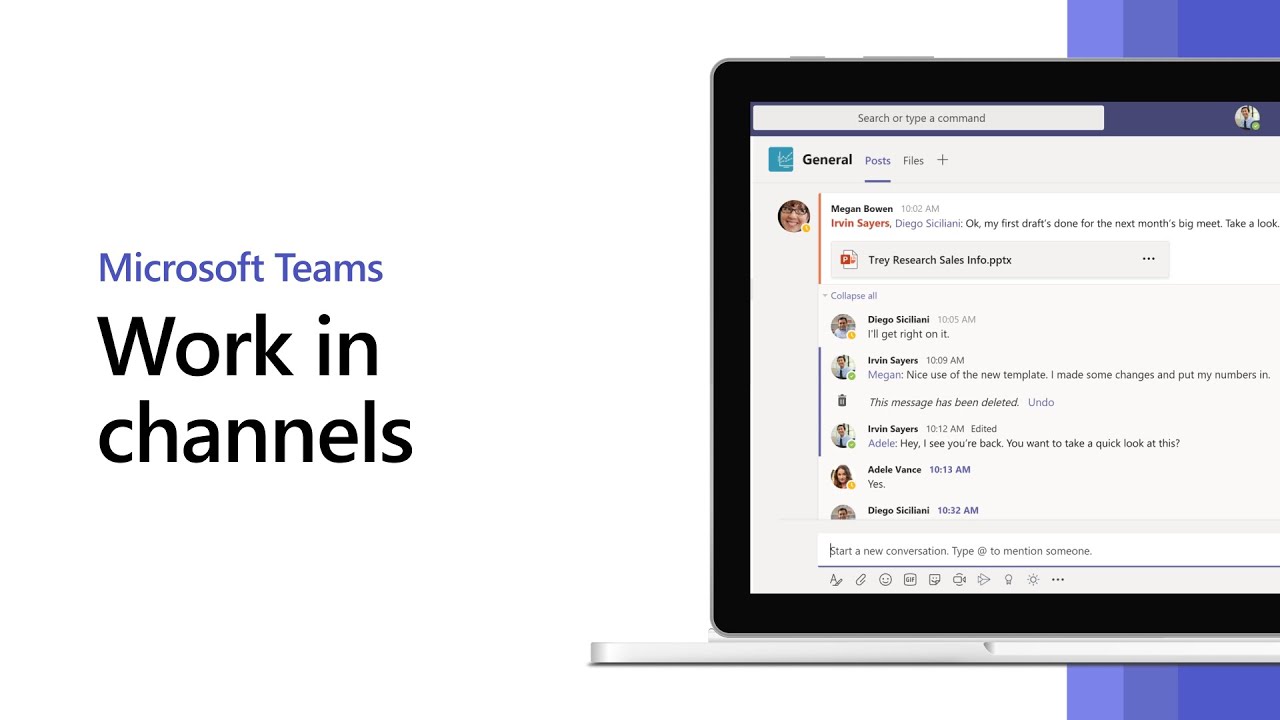
How to work in channels in Microsoft Teams
Stay connected while managing remote employees with channels in Microsoft Teams. Channels in Teams are where team conversations and collaboration happen, and this tutorial will show you how to use them. Conversations in channels can be se...
Uploads from Microsoft 365

Add tools with tabs in Microsoft Teams
Turn the apps and services you use the most into tabs at the top of a channel or chat. Learn more: https://products.office.com/en-us/microsoft-teams/group-chat-software
Uploads from Microsoft 365

How to start chat and make calls with Microsoft Teams
If you want to talk privately with one person or several members of your team, you can utilize the “Chat” function in Microsoft Teams to do so. • To start a new Chat, click the “New Chat” icon at the top of the app. Then type the name of...
Uploads from Microsoft 365

Overview of teams and channels in Microsoft Teams
In Microsoft Teams, “Teams” are groups of people brought together for work, projects or common interests. Teams are made up of channels that are built around a specific topic. • Channels are where you hold meetings, have conversations and...
Uploads from Microsoft 365

Go-to guide for team owners on Microsoft Teams
From chatting and meetings to using teams and channels, Microsoft Teams makes it easy to work together. Perfectly suited for remote work, Microsoft Teams provides a centralized workspace for groups to communicate and collaborate online. Thi...
Uploads from Microsoft 365

How to use the command box in Microsoft Teams
This mighty tool lets you take quick actions, do searches, and launch apps. Learn more: https://products.office.com/en-us/microsoft-teams/group-chat-software
Uploads from Microsoft 365

Welcome to Microsoft Teams
Microsoft Teams is a collaboration app that lets your team stay organized and have conversations all in one place. In this tutorial, you’ll learn how to use it. Within the Microsoft Teams app, the “Teams” icon will show you all of the tea...
Uploads from Microsoft 365

The Shiproom / Episode 13 / T-Mobile
Today Brad spends a few minutes with the EVP/CIO of T-Mobile, Cody Sanford. They talk about how to quantitatively communicate the value of an IT organization to company leadership, how to attract and retain the best technical talent, and a...
Uploads from Microsoft 365

Meet the new Outlook on the web
Faster, with a modern design, and new features – the new Outlook on the web is here. Learn more: https://aka.ms/owahowtovideos
Uploads from Microsoft 365

What's New with Microsoft 365 | July 2019
This month, we’re announcing updates to Azure Active Directory and Microsoft Advanced Threat Defender to improve your security posture, updates to Outlook and Yammer to help you be more productive, and updates to System Center Configuration...
Uploads from Microsoft 365
Showing 1645 to 1656 of 2,132 videos.