

Copilot videos
Browse every published Copilot video in a focused overview with thumbnails, dates, and direct access to each watch page.
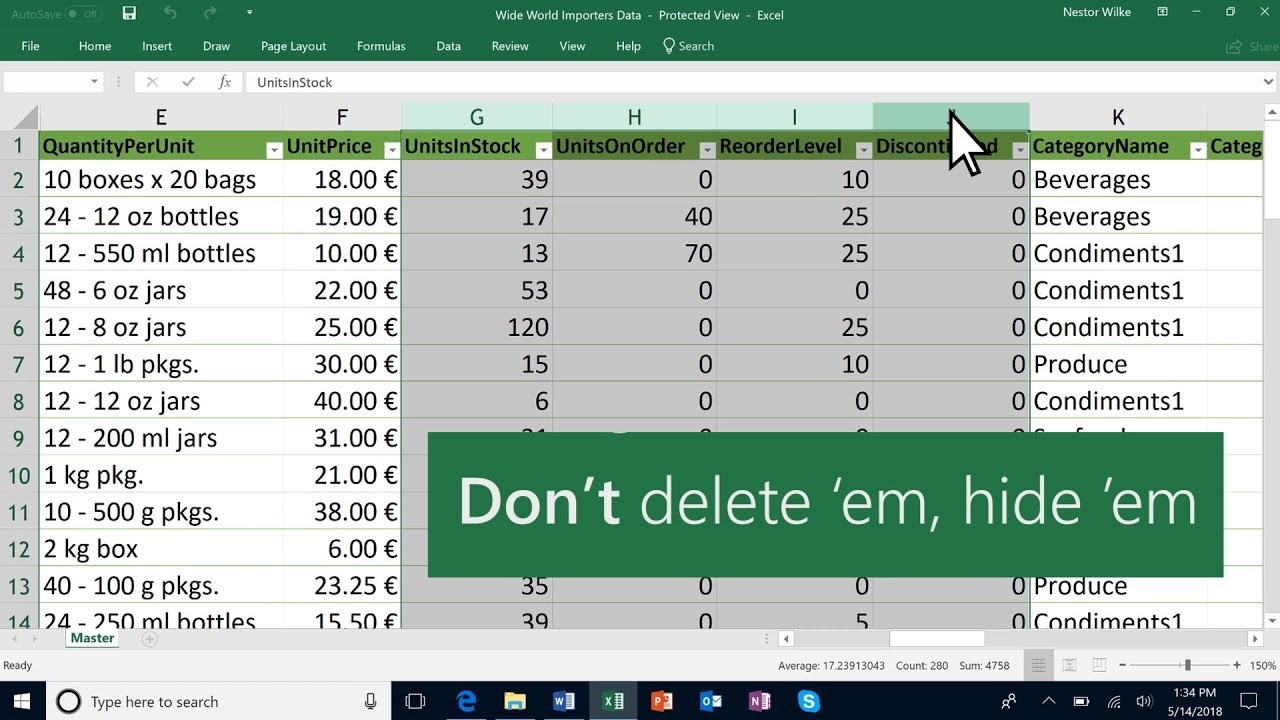
Hide and unhide columns in Microsoft Excel
Hide or unhide columns in your Microsoft Excel spreadsheet to show just the data that you need to see or print. Learn more at the Excel Help Center: https://msft.it/6002TiutE ► Subscribe to Microsoft 365 on YouTube here: https://aka.ms/Sub...
Uploads from Microsoft 365
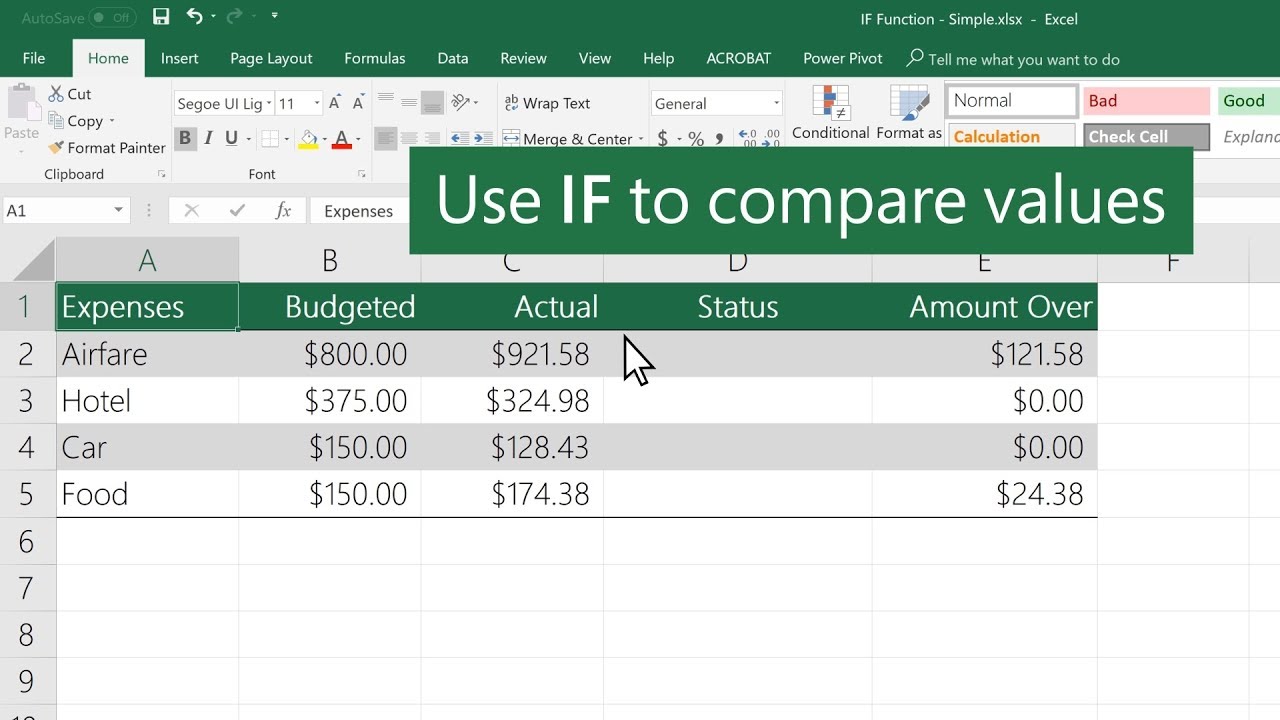
How to use the IF function in Excel
In Microsoft Excel, use IF to return a value based on a condition. For example, =IF(C2=”Yes”,1,2) says IF(C2 = Yes, then return a 1, otherwise return a 2). Learn more at the Microsoft Excel Help Center: https://msft.it/6002T9oOr
Uploads from Microsoft 365
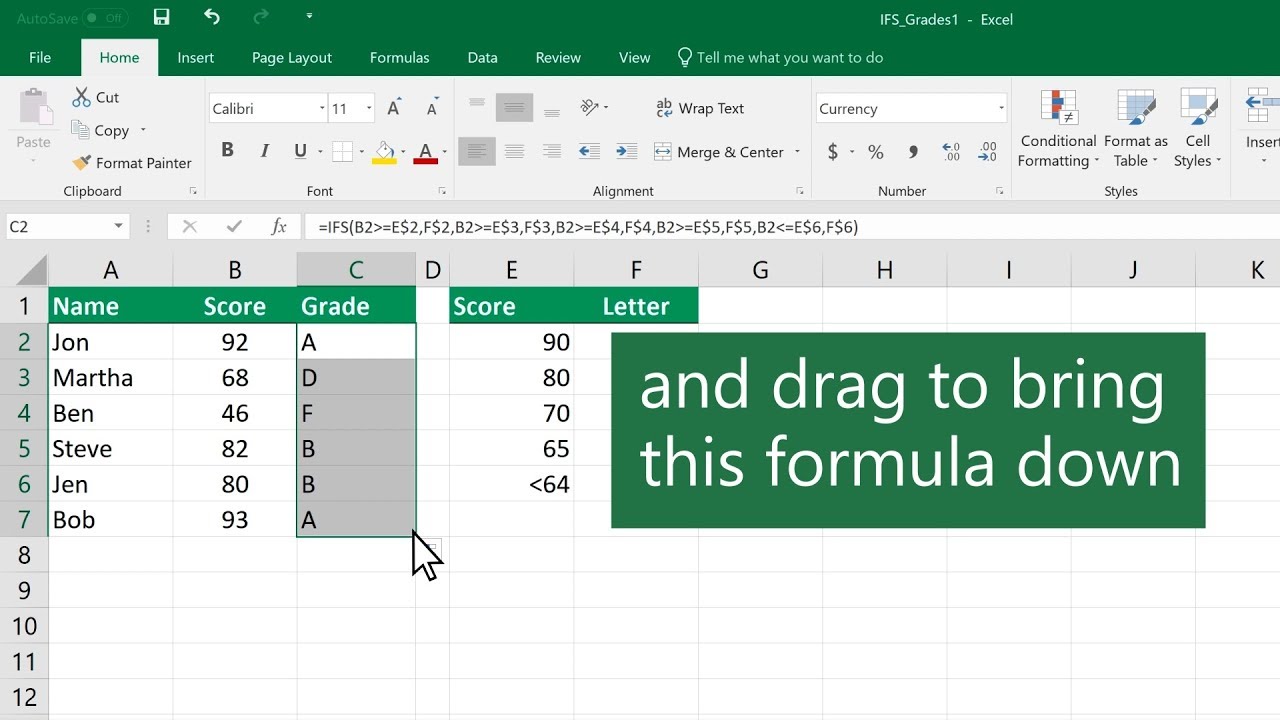
How to use the IFS function in Microsoft Excel
In Microsoft Excel, use the IFS function to check whether one or more conditions are met and returns a value that corresponds to the first TRUE condition. Learn more at the Excel Help Center: https://msft.it/6004T9ouG
Uploads from Microsoft 365
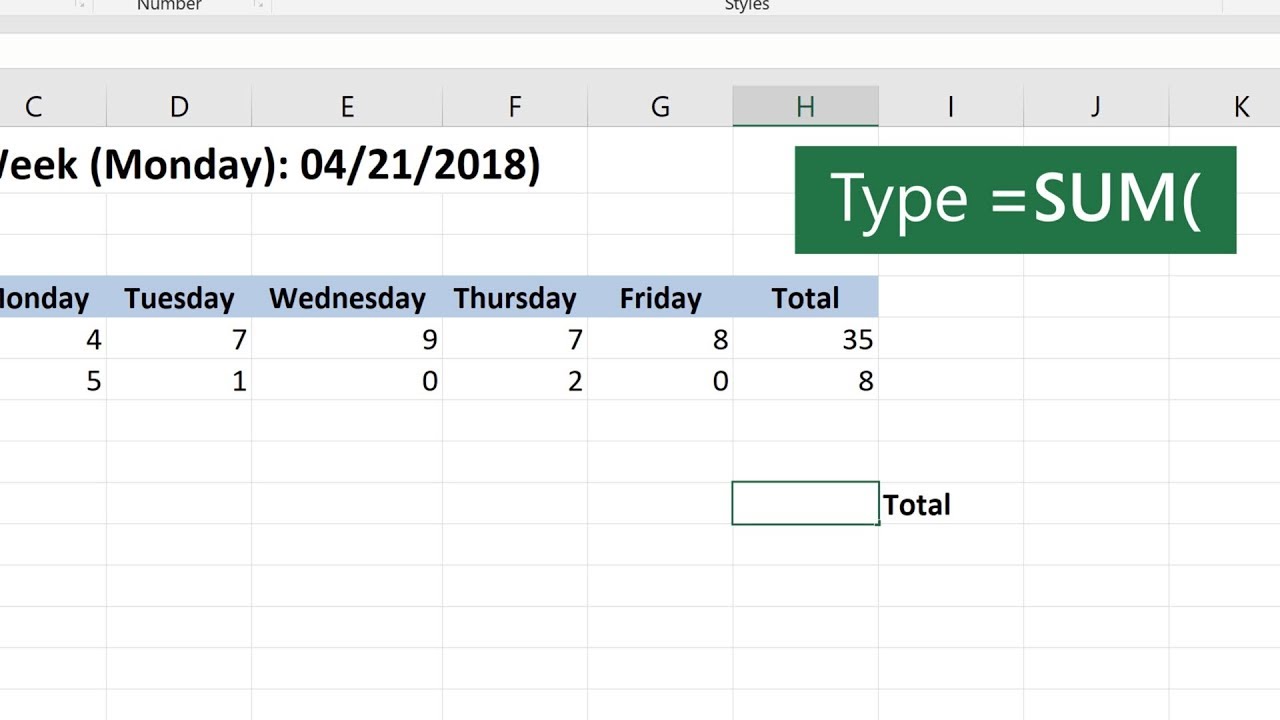
How to use the SUM function in Microsoft Excel
Add values in Microsoft Excel with the SUM function. You can add individual values, cell references, ranges, or a mix of all three. For example: =SUM(A2:A10) =SUM(A2:A10, C2:C10) Learn more at the Excel Help Center: https://msft.it/6002T9...
Uploads from Microsoft 365
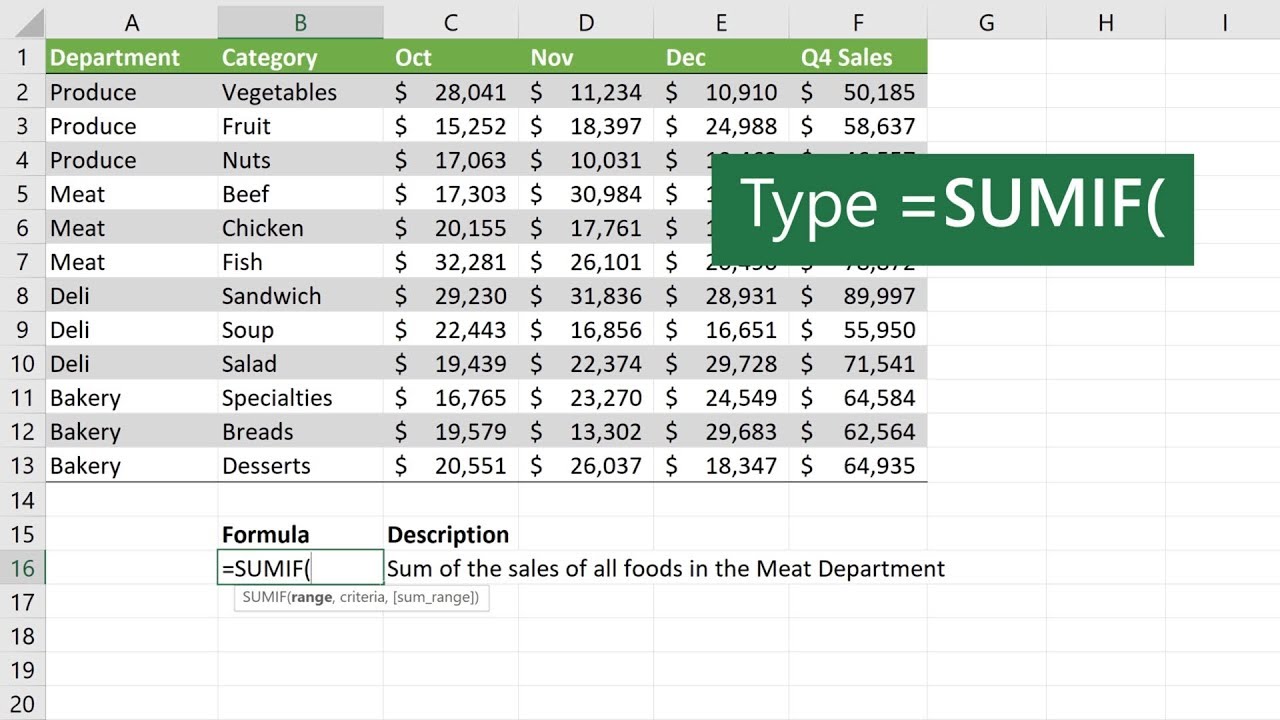
How to use the SUMIF function in Microsoft Excel
In Microsoft Excel, use the SUMIF function to sum the values in a range that meet the criteria that you specify. Learn more at the Excel Help Center: https://msft.it/6009T9oPF
Uploads from Microsoft 365
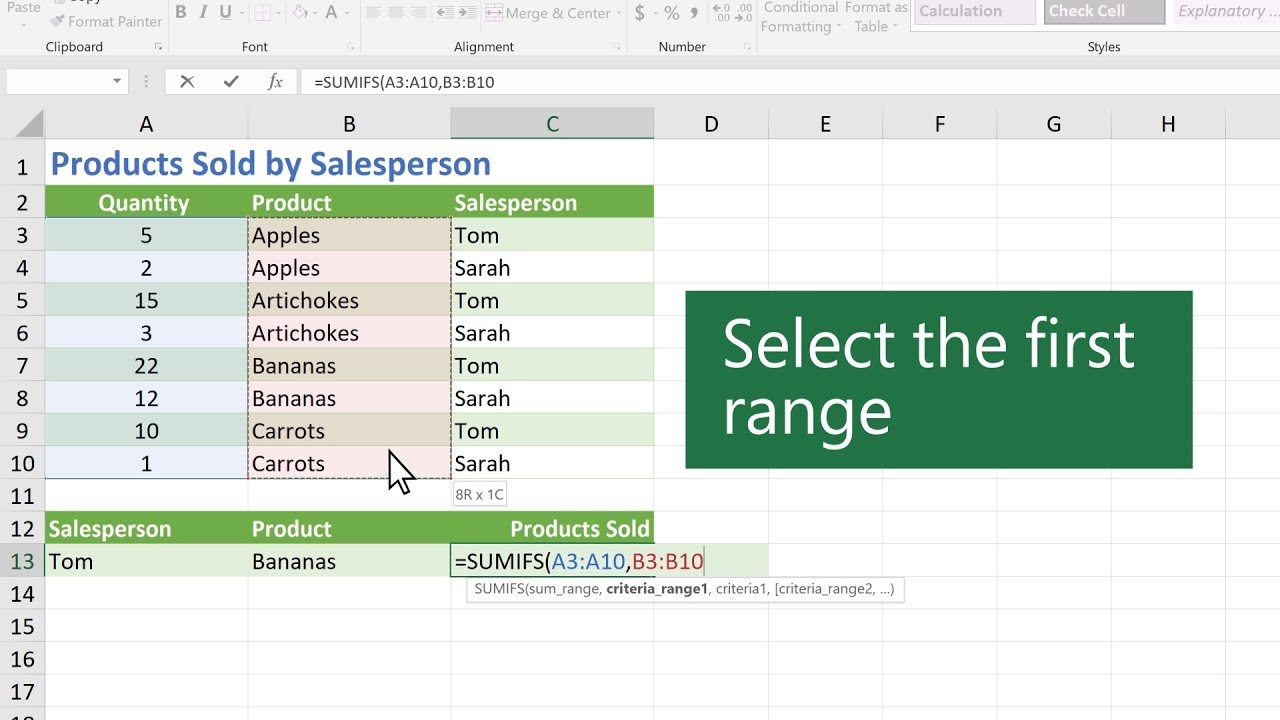
How to use the SUMIFS function in Microsoft Excel
In Microsoft Excel, use SUMIFS to test multiple conditions and return a value based on those conditions. For example, you could use SUMIFS to sum the number of a products sold by a certain salesperson. Learn more at the Excel Help Center: h...
Uploads from Microsoft 365

The Shiproom / Episode 20 / Nokia
In this episode, Brad talks with the CIO of Nokia, Ursula Soritsch-Renier. They discuss what it's like to be the CIO of a tech company, how to make real-time collaboration work for a global organization, and they bravely sample some popula...
Uploads from Microsoft 365

Microsoft Ignite 2019: Discussions and Demos on Modern Workplace
In this special episode of Modern Workplace—live from Ignite—you’ll hear how business leaders are transforming culture and collaboration and see Microsoft’s strategy for promoting accessibility and inclusion at events. Links: Learn more:...
Uploads from Microsoft 365

Microsoft Entra ID secure hybrid access partners
Secure access to your legacy apps with pre-built integrations from partners such as f5 Networks, Zscaler, Akamai, and Citrix. Learn more: https://aka.ms/secure-hybrid-access
Uploads from Microsoft 365

Role-based access control (RBAC) in Microsoft Defender ATP
Using role-based access control (RBAC), you can create roles and groups within your security operations team to grant appropriate access to the portal. Based on the roles and groups you create, you have fine-grained control over what users...
Uploads from Microsoft 365

Onboarding machines to Microsoft Defender ATP
You'll need to onboard machines for them to report to the Microsoft Defender ATP service. Learn about the tools and methods you can use to configure machines in your enterprise. Learn more: https://docs.microsoft.com/windows/security/threa...
Uploads from Microsoft 365

Azure Active Directory Identity Governance
Azure Active Directory (Azure AD) Identity Governance allows you to balance your organization's need for security and employee productivity with the right processes and visibility. Learn more: https://docs.microsoft.com/en-us/azure/active...
Uploads from Microsoft 365
Showing 1489 to 1500 of 2,132 videos.