

Copilot videos
Browse every published Copilot video in a focused overview with thumbnails, dates, and direct access to each watch page.
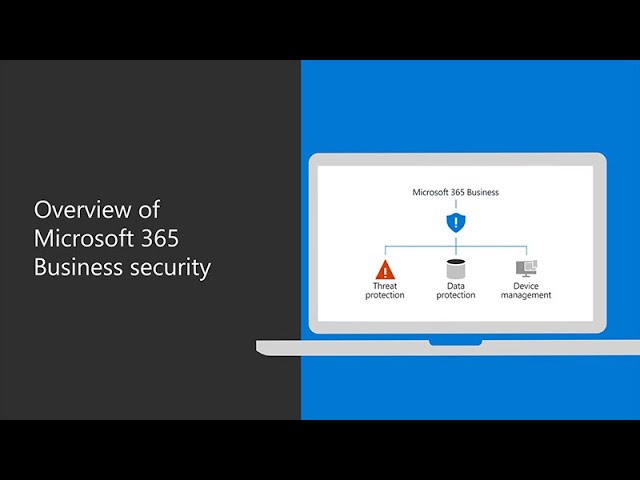
An overview of Microsoft 365 Business Premium security
In this video, you’ll learn more about the security features Microsoft 365 Business Premium offers. Microsoft 365 Business Premium helps you protect your company from online threats and unauthorized access, as well as protect and manage d...
Uploads from Microsoft 365
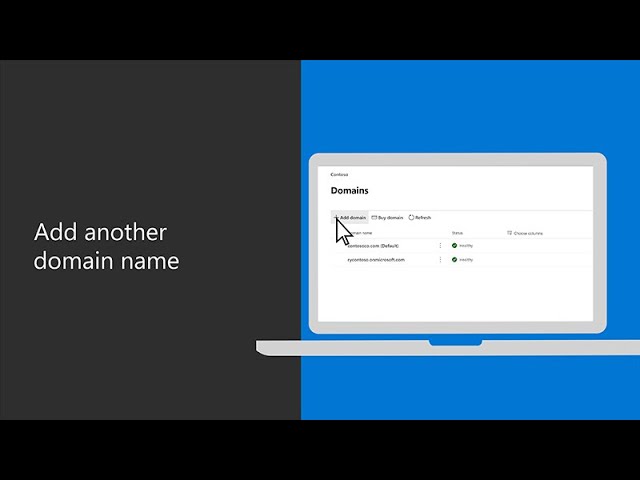
How to add another domain name in Microsoft 365 Business Premium
Your company may have multiple domain names that are used for different purposes, and in this video tutorial, you’ll learn how to add another domain name in Microsoft 365 Business Premium. From the Microsoft 365 admin center, choose “setu...
Uploads from Microsoft 365

How to move users to a different Microsoft 365 Business subscription
In this video tutorial, you’ll learn how to switch over users to a different Microsoft 365 subscription. As your users change roles, they may need features that aren’t available in their current subscription. You can add a new subscription...
Uploads from Microsoft 365
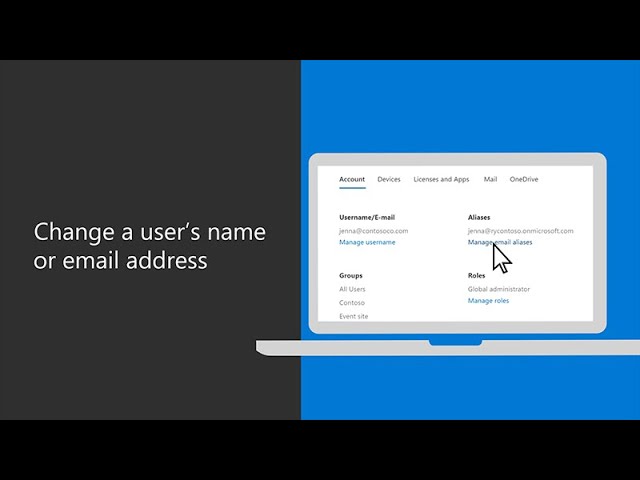
How to change a user’s name or email address in Microsoft 365 Business Premium
In this video tutorial, you’ll learn how to change a user’s display name, alias or email address in Microsoft 365. To change a display name, go to the Microsoft 365 admin center and select “users” then “active users” and select the user....
Uploads from Microsoft 365

Inside Identity with Workplace from Facebook
In this episode of Inside Identity, we talk with Anand Dass, Director of Platform Partnerships at Workplace from Facebook. By integrating with Azure Active Directory (Azure AD), Workplace from Facebook is able to provide secure and seamless...
Uploads from Microsoft 365

The Shiproom / Episode 25 / Lloyds Banking Group
This week, Brad meets up with the Director of Engineering from Lloyds Banking Group, Simon Bullers. Lloyds is one of the "Big 4" banks in the UK with £800 billion in assets, and the efficiency of the banks' operations is of paramount econom...
Uploads from Microsoft 365

Box Enhances Interoperability with Microsoft 365 to Transform Work
In this interview between Kirk Koenigsbauer, COO & CVP, Microsoft Experiences and Devices and Jeetu Patel, Chief Product Officer, Box, see how interoperable, integrated apps help to transform work - especially within an environment of incre...
Uploads from Microsoft 365
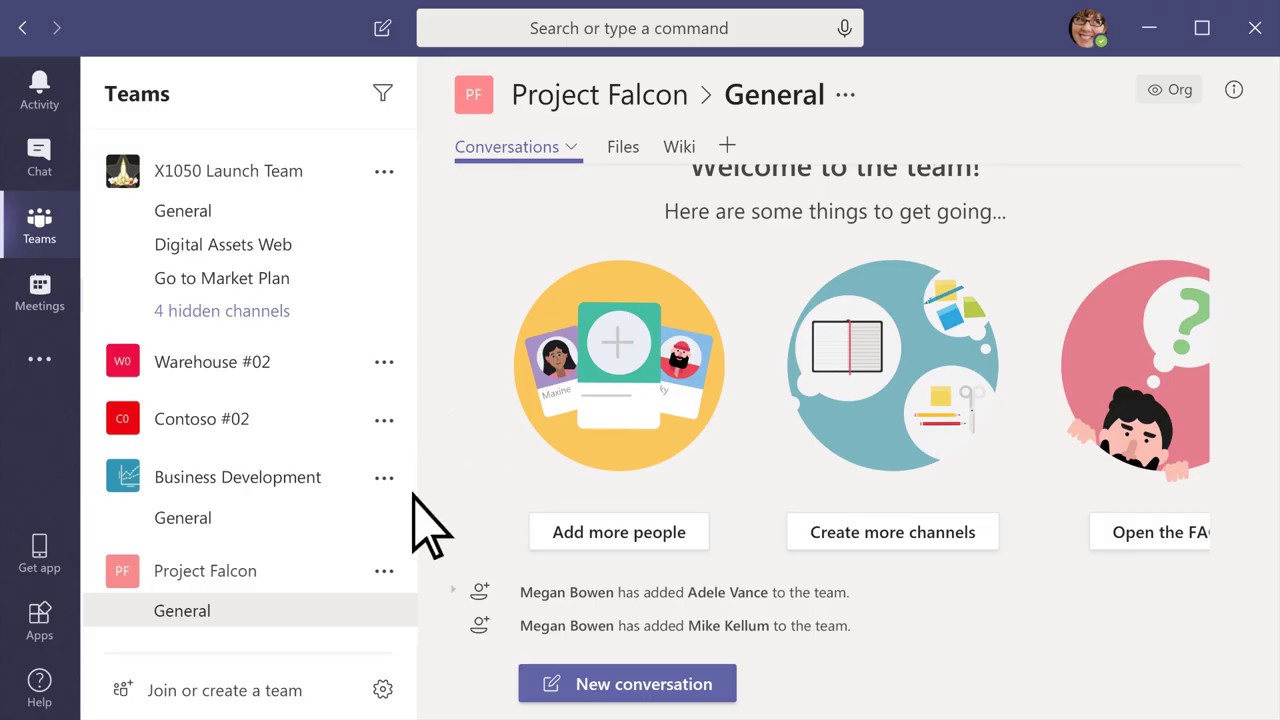
How to create a team and add members in Microsoft Teams
With Microsoft Teams, you can create your own team, join an existing one, add people and channels, and customize your team settings. Learn more at the Microsoft Teams Help Center: https://msft.it/6001T9VA1
Uploads from Microsoft 365

How to add another admin in Microsoft 365 Business Premium
When you sign up for Microsoft 365 Business Premium, you automatically become a global admin. You can add additional admins to your subscription to help manage your business, and this video tutorial will show you how to do that. Starting...
Uploads from Microsoft 365

How to set up a delegate to answer or make calls in Microsoft Teams
Need someone to answer or make calls on your behalf in Microsoft Teams? This video tutorial will show you how to add a delegate while working remote. • First, select your profile photo, then go to “settings,” then “general,” and select “m...
Uploads from Microsoft 365
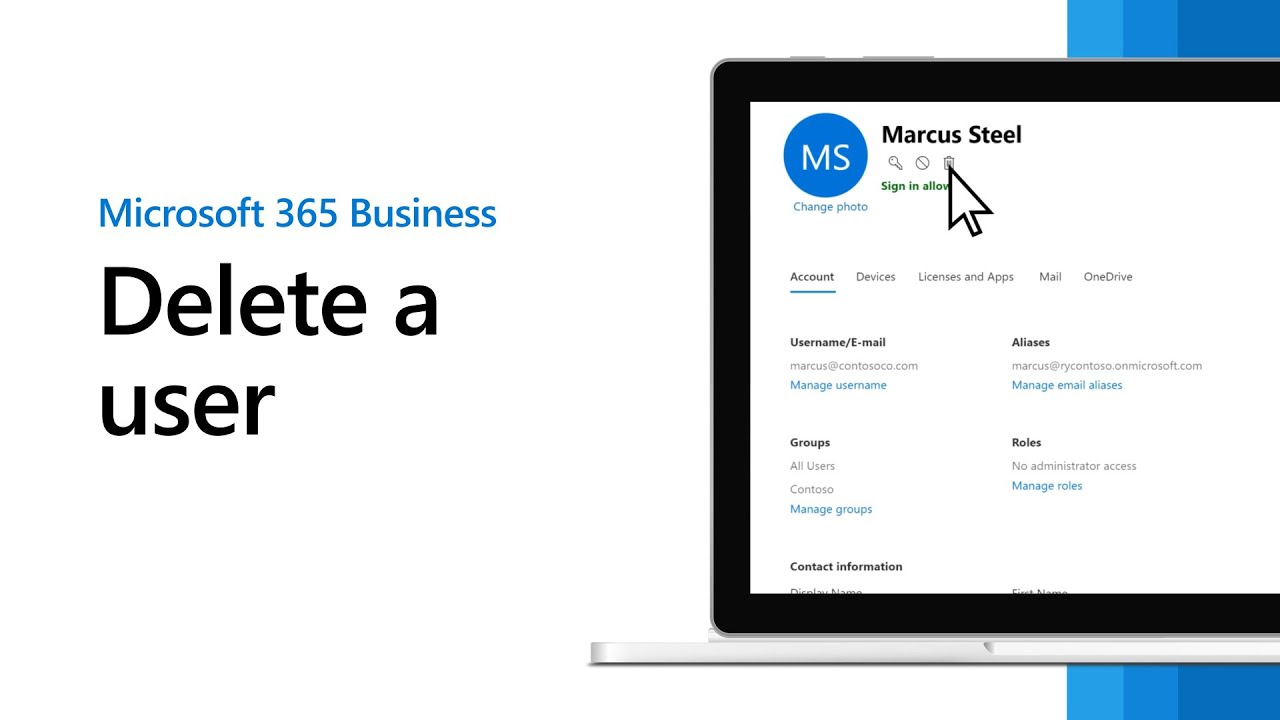
How to delete a user in Microsoft 365 Business Premium
When an employee leaves your company, you’ll need to take a few steps to remove them from your Microsoft 365 Business Premium subscription. This video tutorial will outline the steps to do so. To start, go to the Microsoft 365 admin cente...
Uploads from Microsoft 365
How to add a new user to Microsoft 365 Business Premium
Whenever a new hire joins your company, you’ll need to add that person to your Microsoft 365 Business Premium subscription as a new user. This video tutorial will walk you through the process. Beginning at the Microsoft 365 admin center,...
Uploads from Microsoft 365
Showing 1357 to 1368 of 2,132 videos.