

The Next Input updates
Browse every published The Next Input update in a calm card overview with images, dates, and direct access to each article.
The Next Input update
Buy it in ChatGPT: Instant Checkout and the Agentic Commerce Protocol
We’re taking first steps toward agentic commerce in ChatGPT with new ways for people, AI agents, and businesses to shop together.
The Next Input update
Partnering with AARP to help keep older adults safe online
OpenAI and AARP are partnering to help older adults stay safe online with new AI training, scam-spotting tools, and nationwide programs through OpenAI Academy and OATS’s Senior Planet initiative.

5 Ways to Use Images in Midjourney
Use images to make more images and videos: 1. Make videos from images 2. Blend images into prompts 3. Style References to drive specific visuals 4. Curate them into Moodboards 5. Create characters and objects with Omni Reference Learn more...

Discover Different Creation Modes
Learn how to make images with different modes. What is Draft Mode? Draft Mode is a lightning-fast (10x faster!) way to prototype images at half the GPU cost. It's built for effortless iteration, with the option of using Conversational Mod...
Start Here: Making your First Image
Welcome to Midjourney, your portal to transforming text into amazing images and videos! If you're ready to unleash your creativity, this guide is your first step to crafting stunning images and exploring endless possibilities. Learn more a...
How to Organize Your Creations
Easily manage all your Midjourney creations with the tools and features on your Organize page here: https://www.midjourney.com/archive. Learn more at https://docs.midjourney.com

Create Your First Video
Welcome to the exciting world of video creation with Midjourney! You can now turn a single image into a dynamic 5-second video. It's as simple as feeding Midjourney an image to serve as the first frame, adding a text prompt (optional), and...
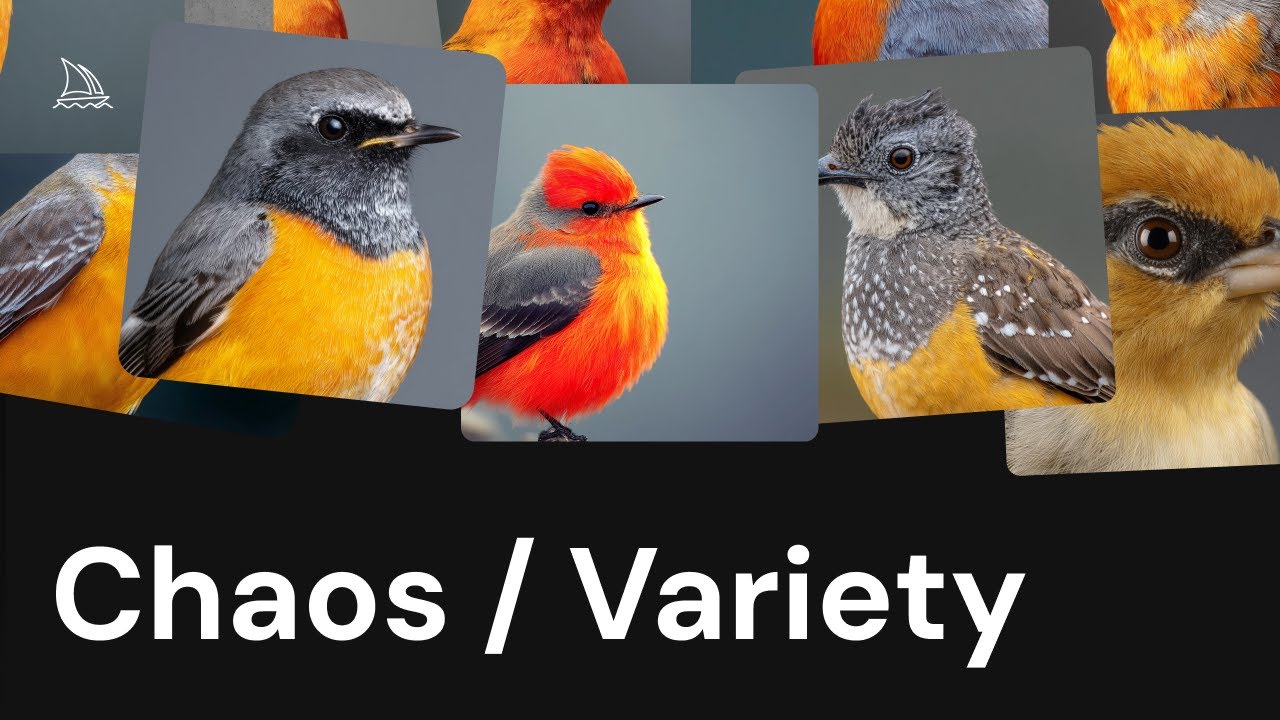
An Underrated Feature: Chaos / Variety
Add more variety to your image results with the chaos parameter. What is Chaos? Chaos (also called Variety on midjourney.com) lets you add more variety to the image results you get from each prompt. By default chaos is set to 0, and Midjo...

Get Better Images with Personalization
Create custom image styles with personalized profiles. What is Personalization? Personalization acts like a style assistant for your image creations. By liking or ranking images, Midjourney gets to know what kind of images you love and us...

Create and Use Moodboards to Make Images
Use curated images to develop a unique style with moodboards. What are Moodboards? Moodboards are a type of Midjourney personalization that lets you select specific images to create a unique style for your Midjourney projects. Moodboards...

How to Use Stylize Parameters
Control, customize, and enhance your images with parameters! What are Parameters? Parameters are like special instructions you can use to guide how your images turn out. They help you customize things, like changing the shape of an image,...

Beginner's Guide to Style References (sref)
What is a Style Reference? A Style Reference (sref) is a way to capture the visual vibe of an existing image and apply it to your new Midjourney creations. It doesn't copy objects or people, just the overall style—like colors, medium, textu...
Showing 421 to 432 of 1,127 updates.